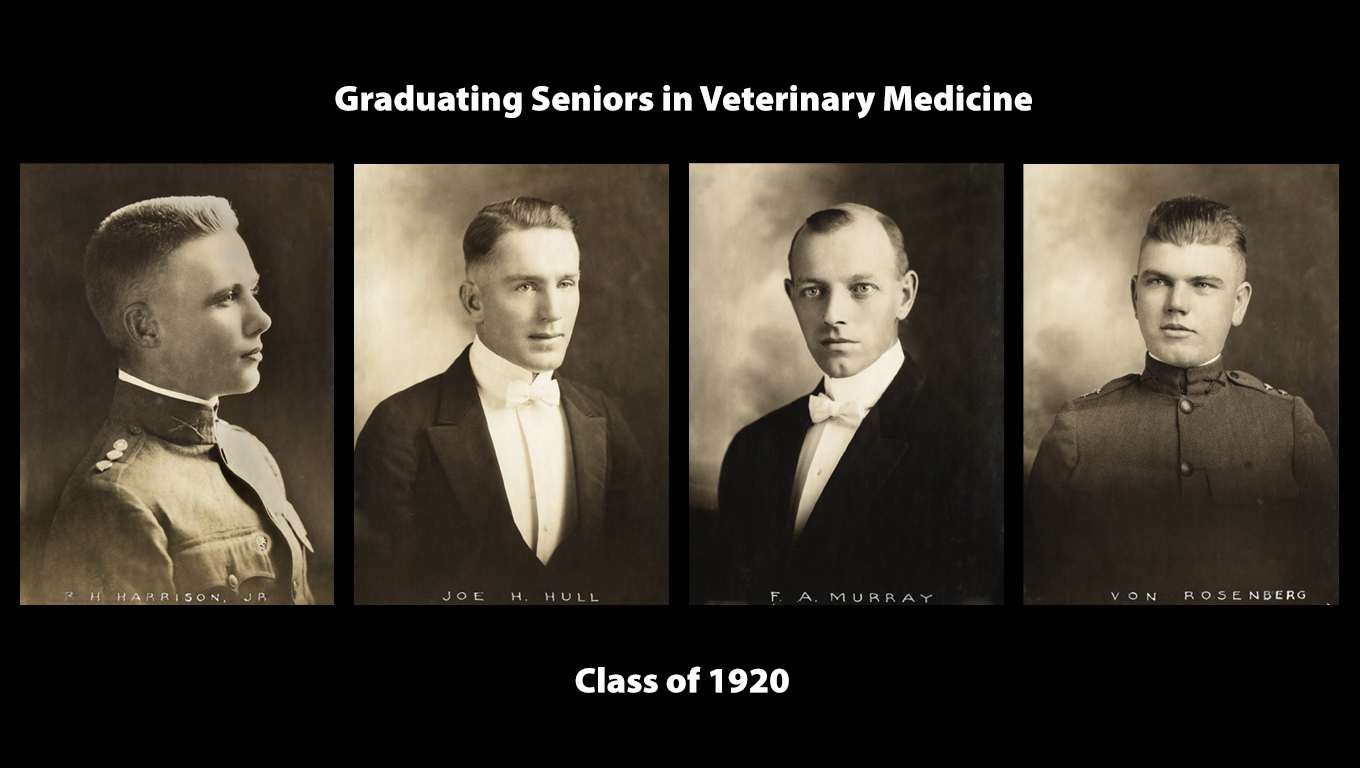
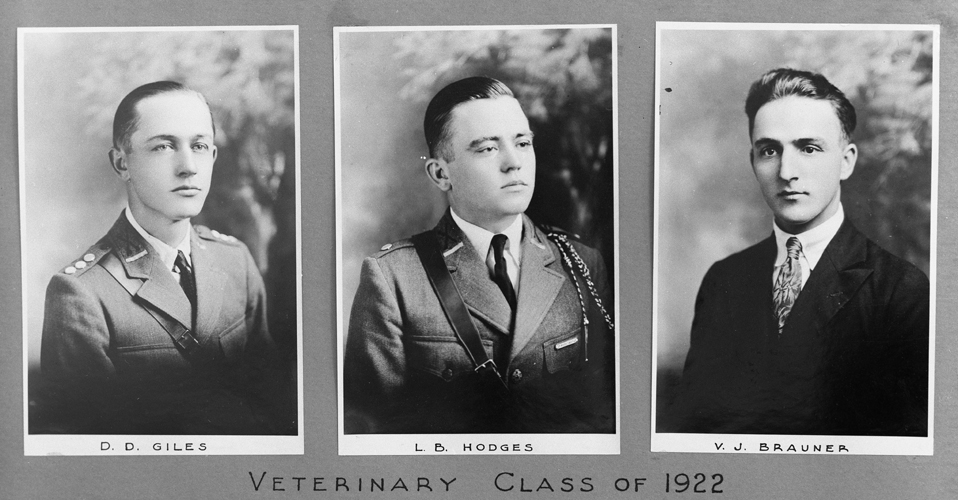
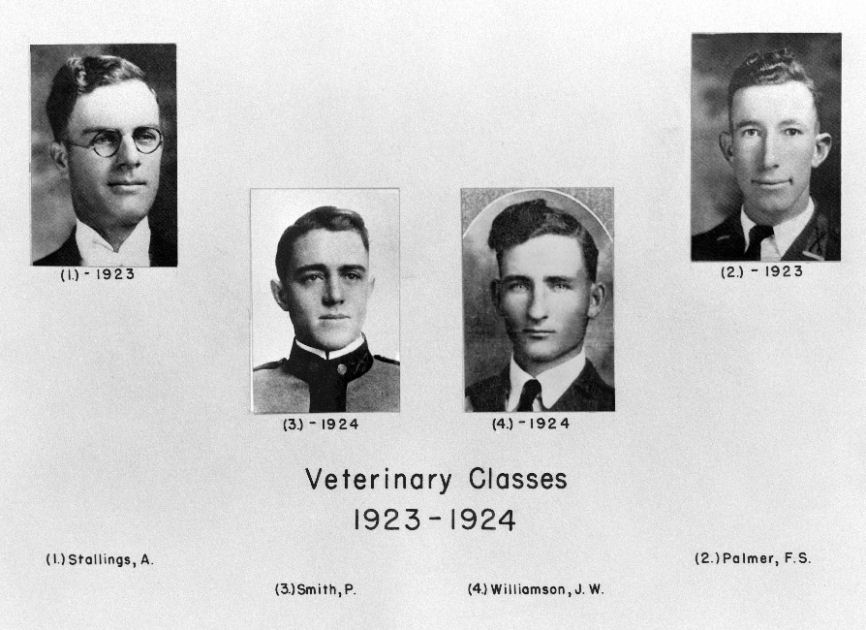
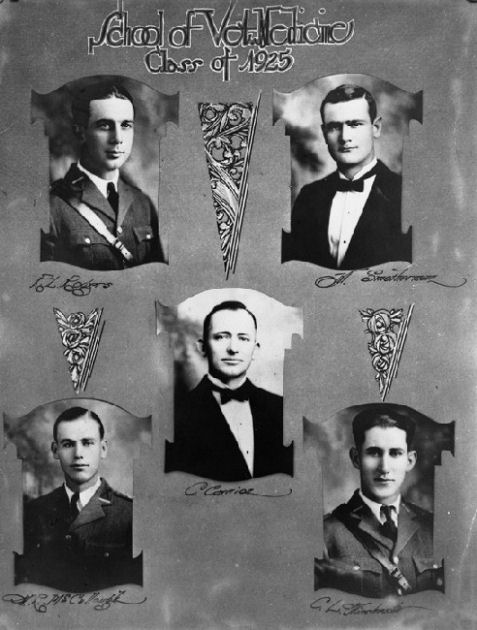
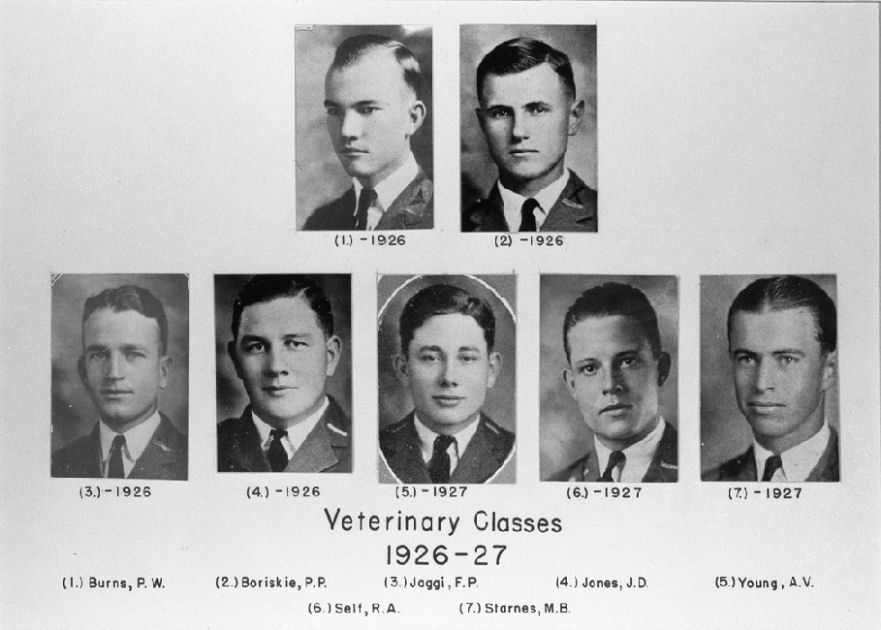
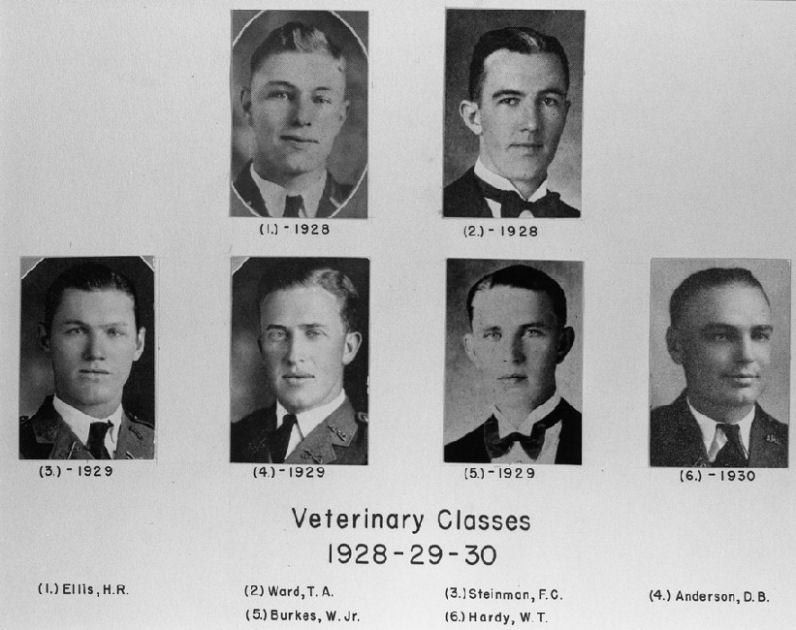
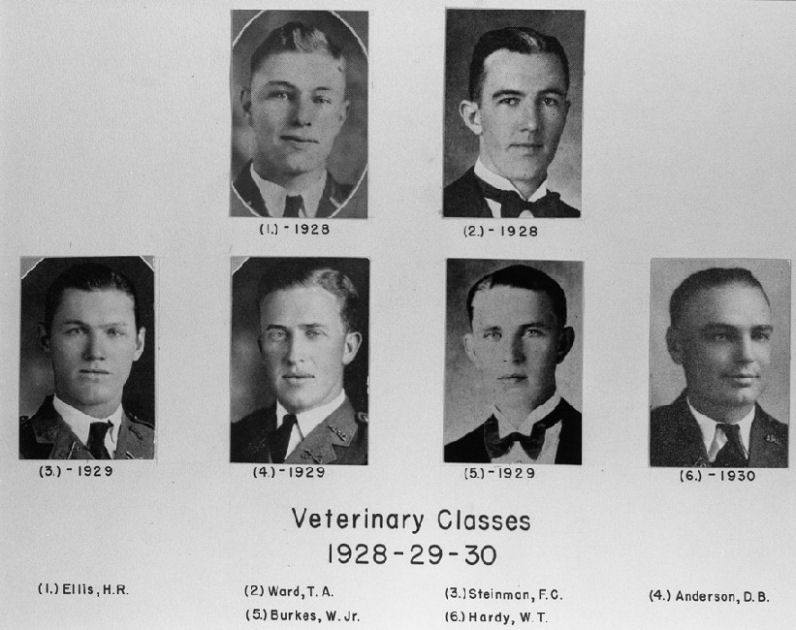
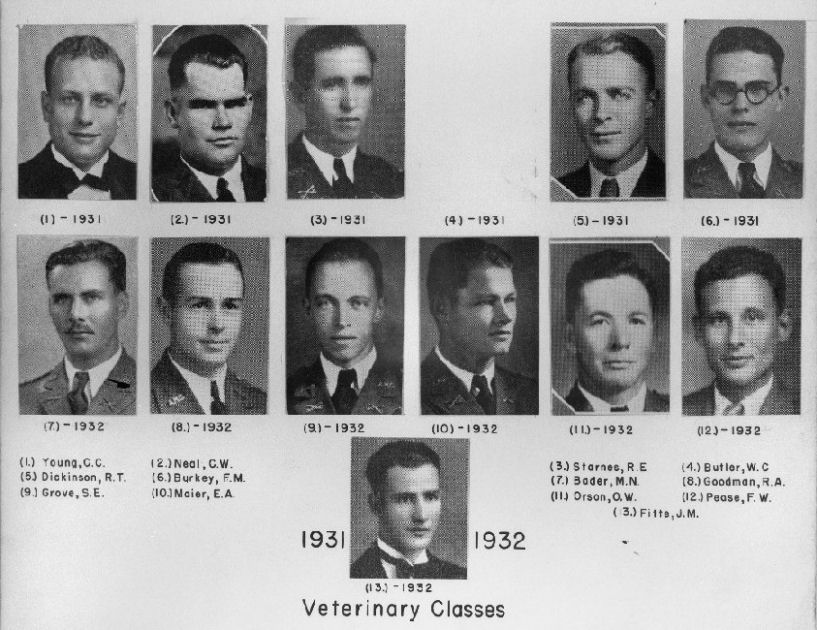
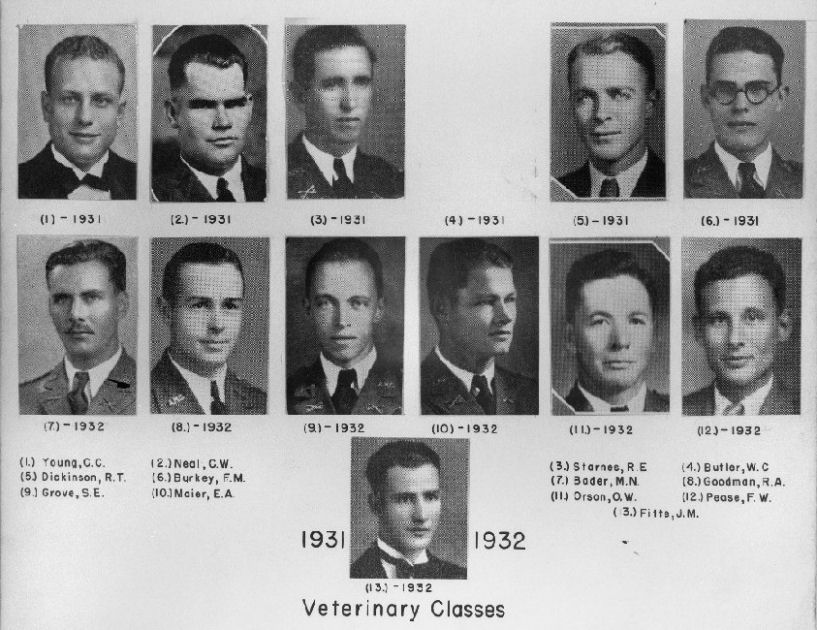
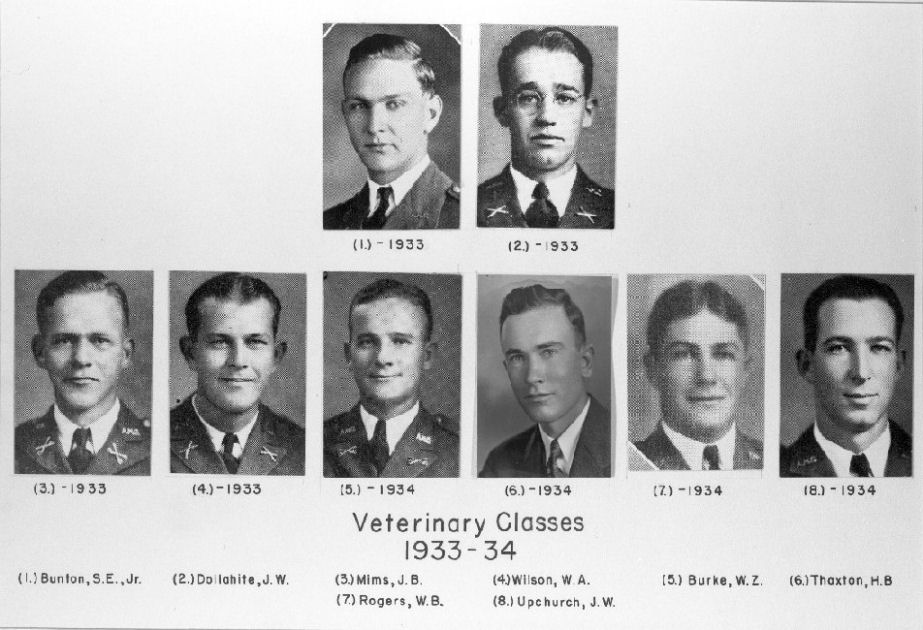
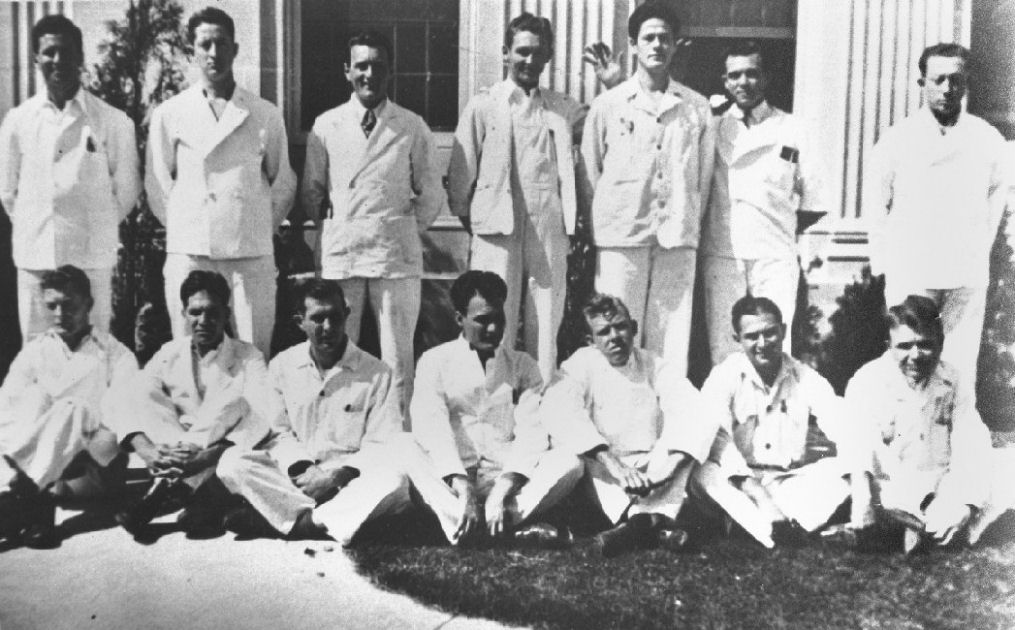
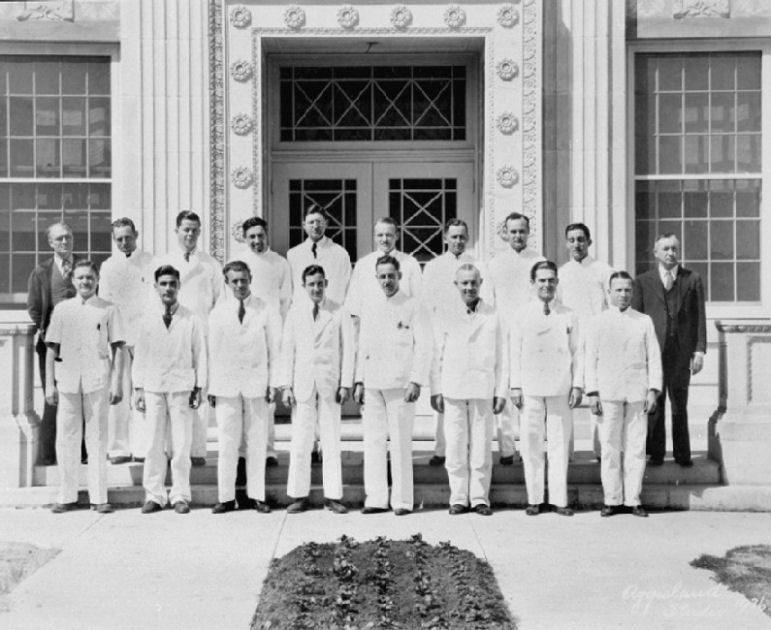
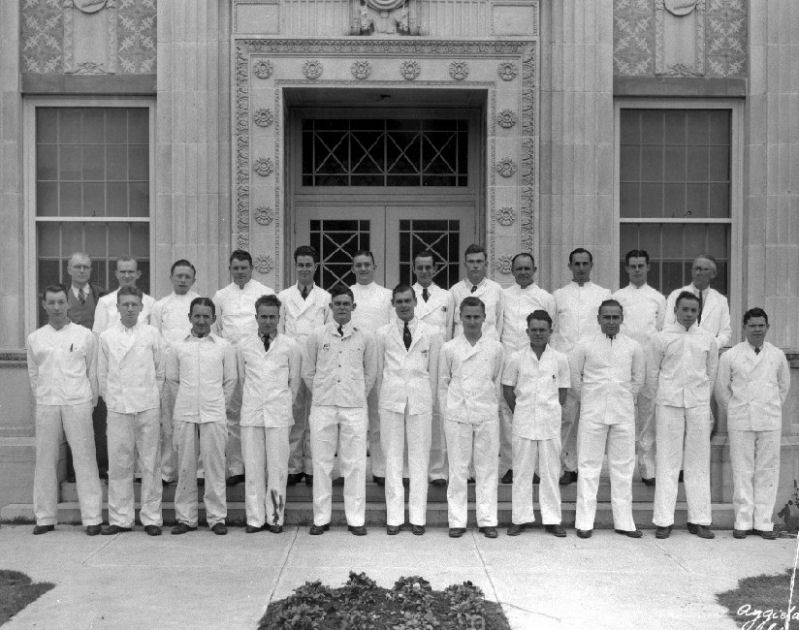
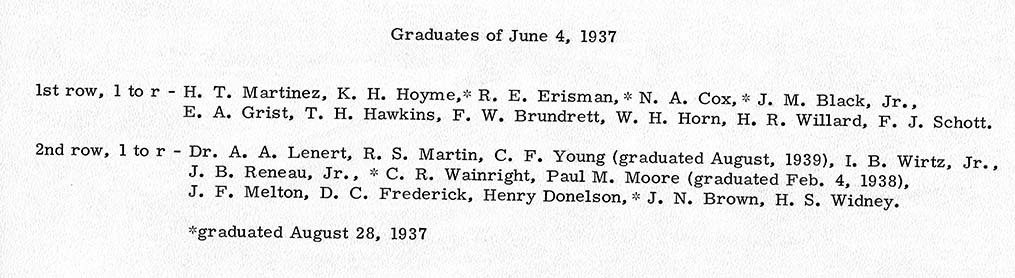
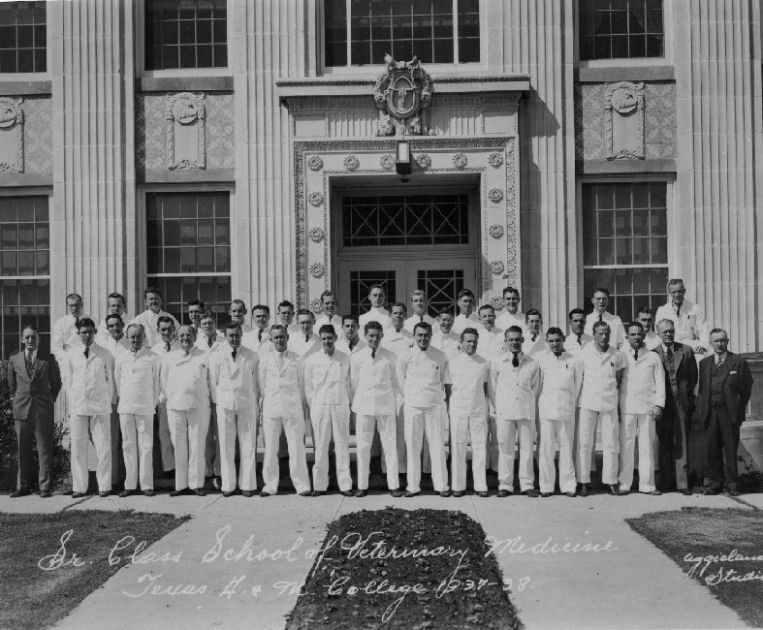
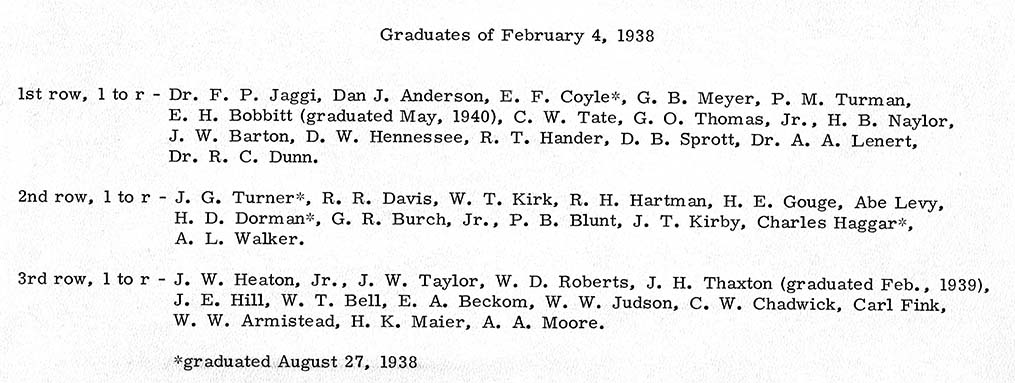
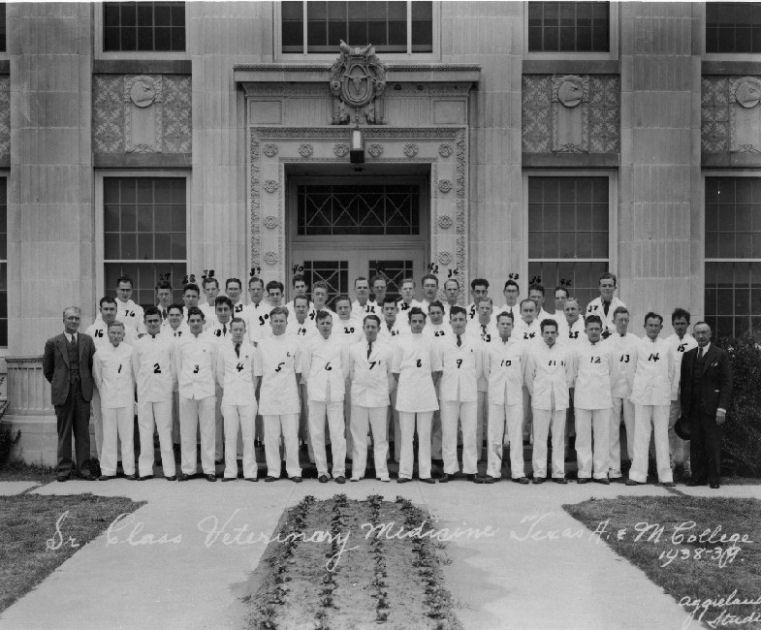
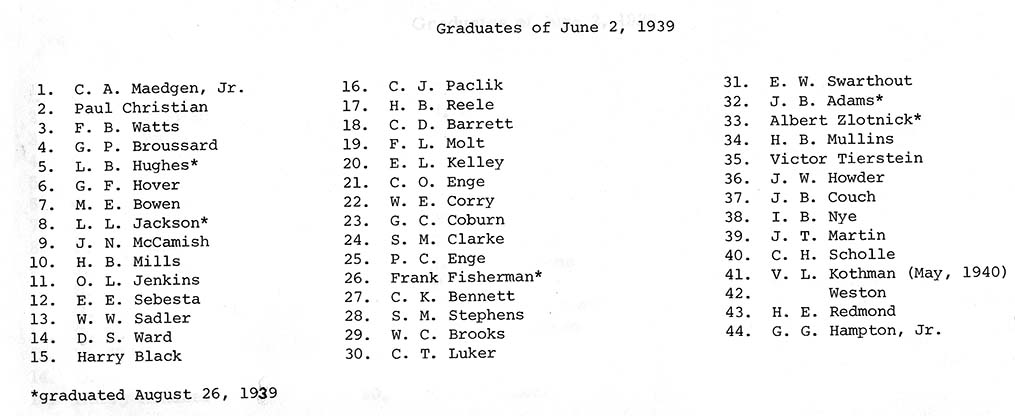
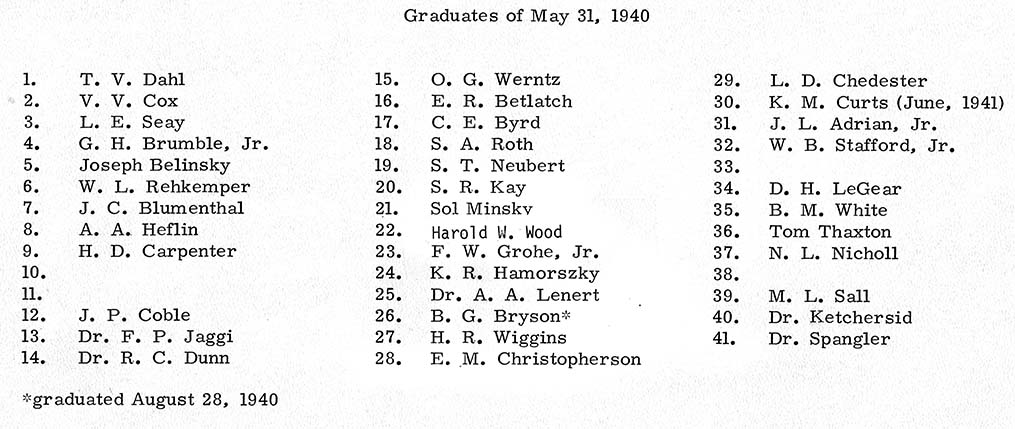
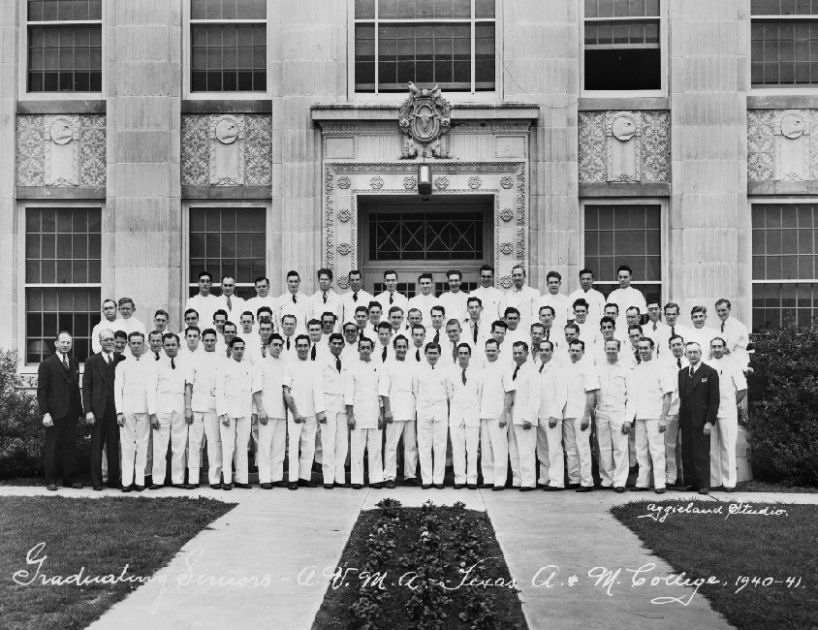
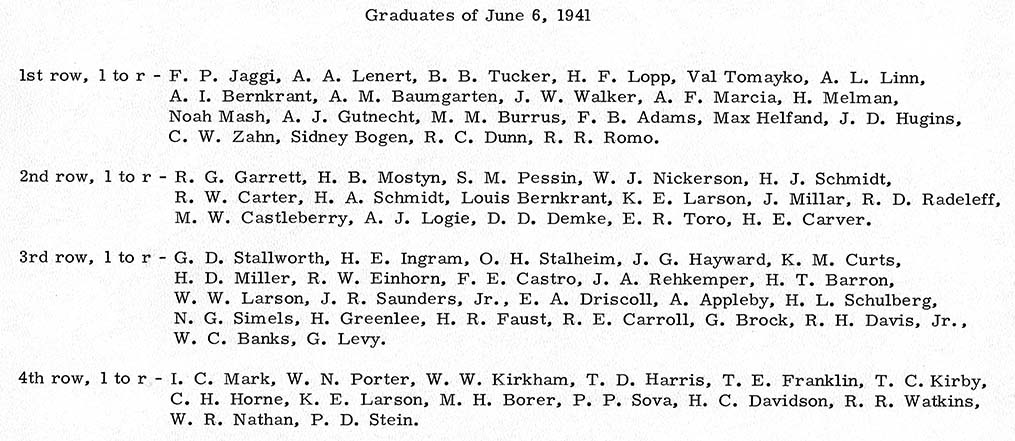
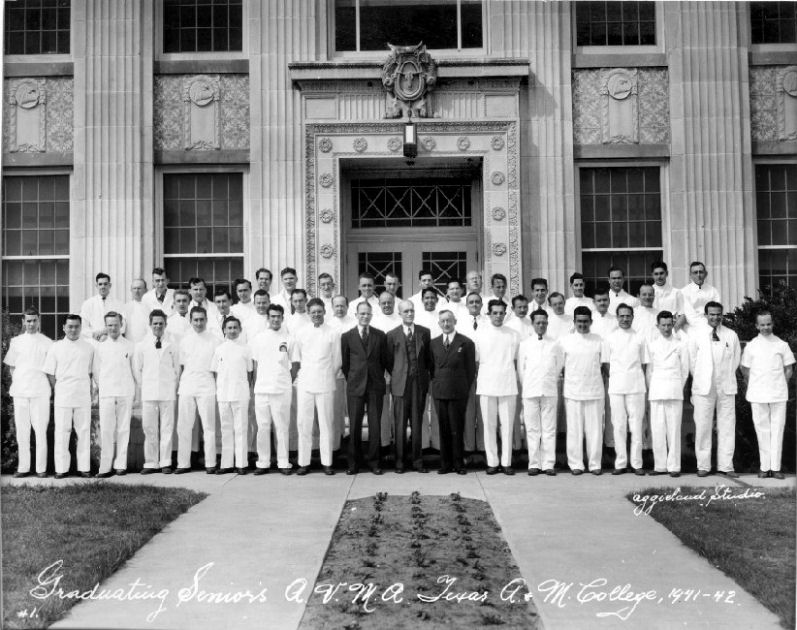
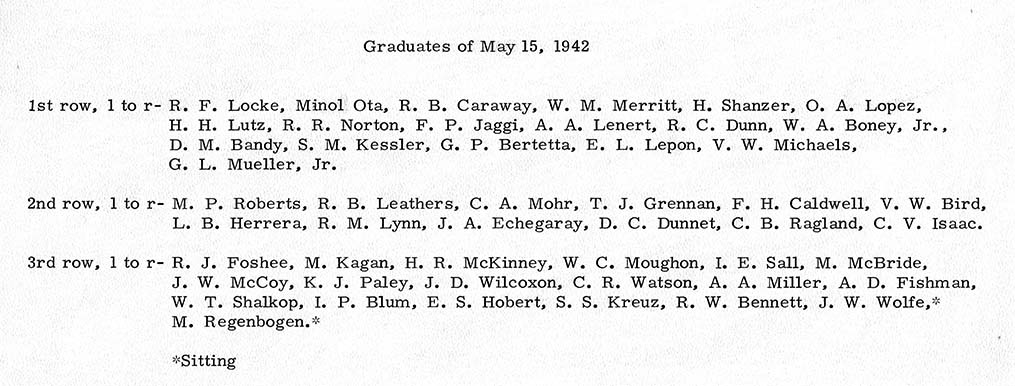
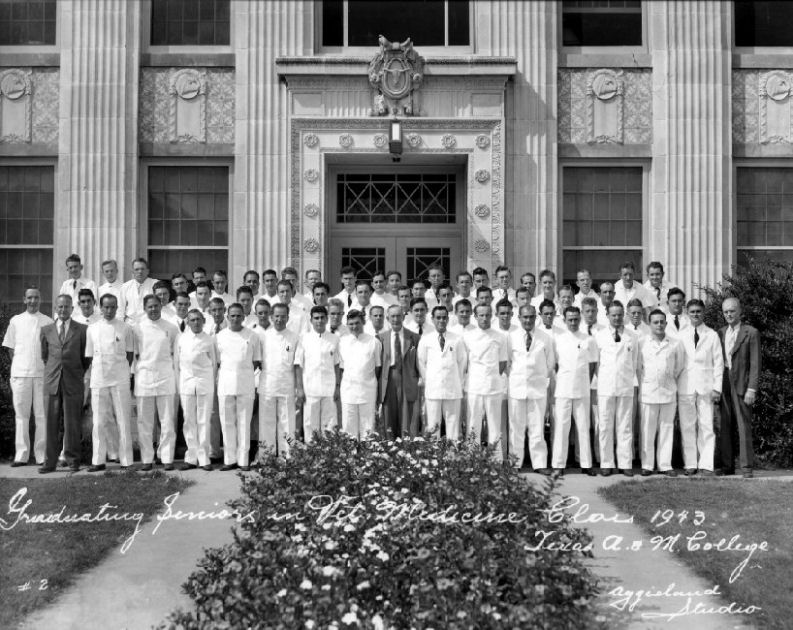
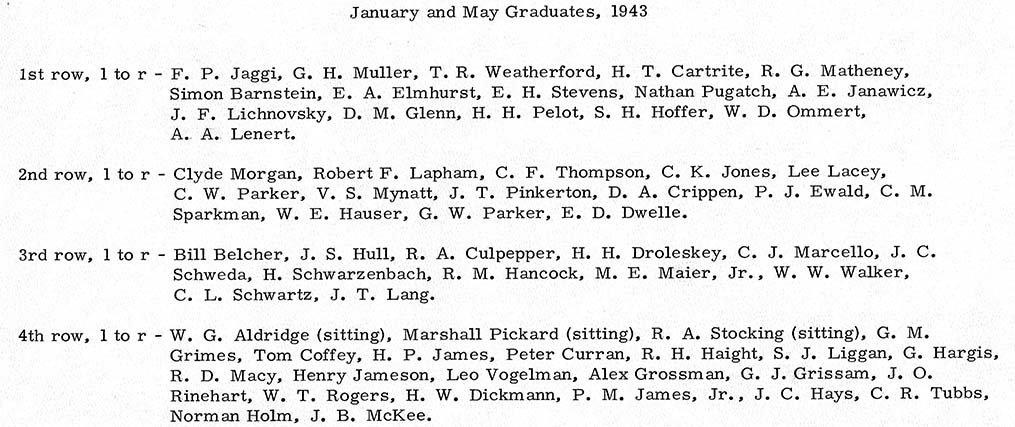
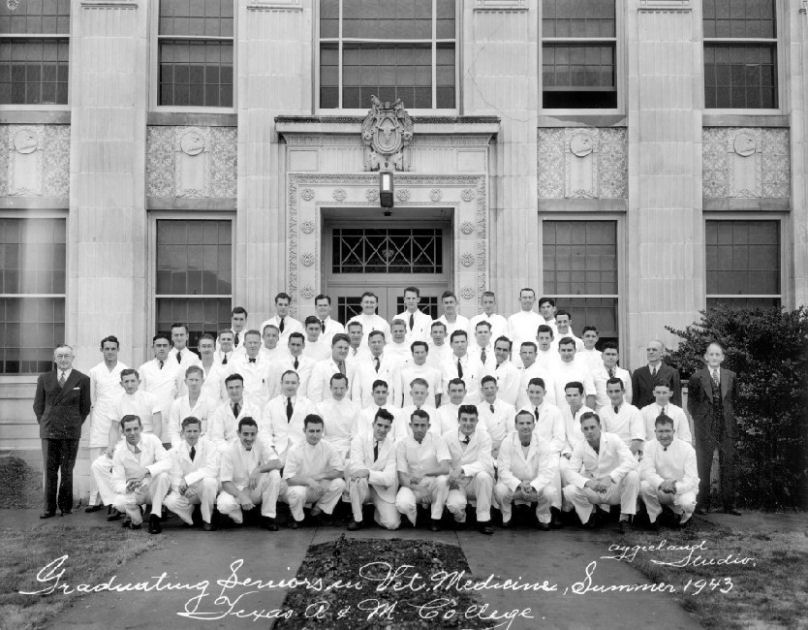
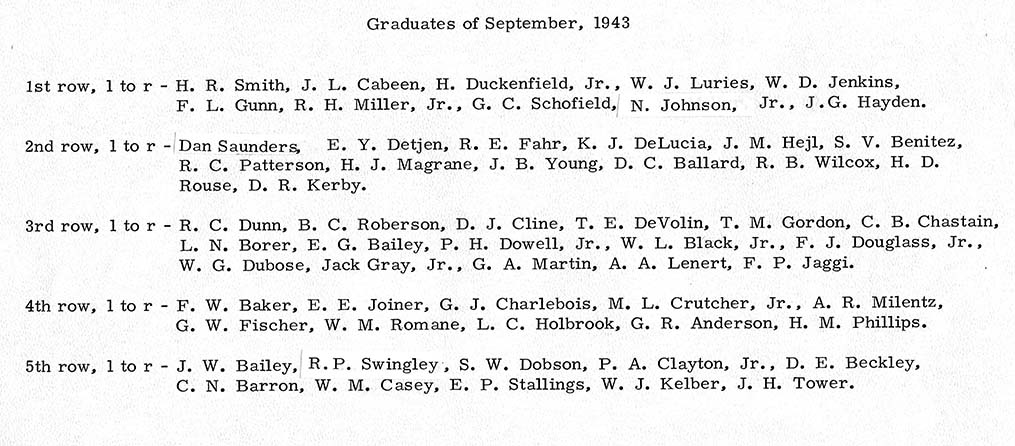
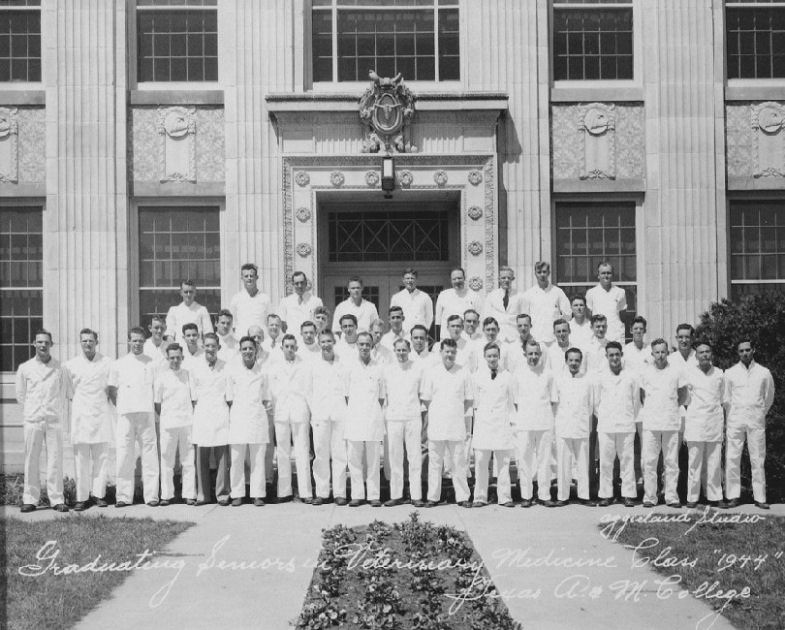
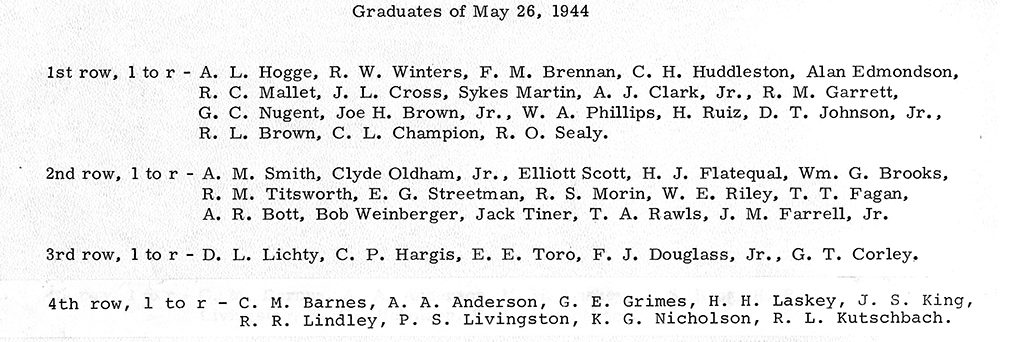
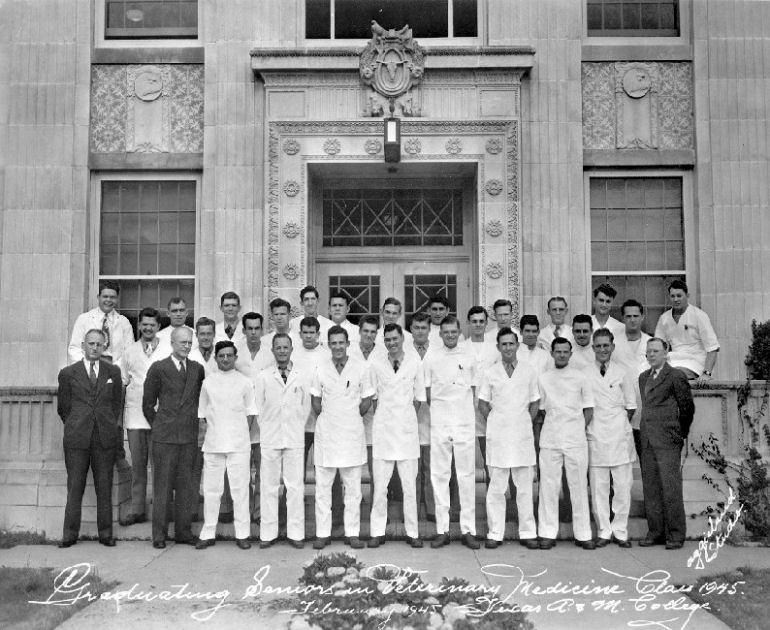
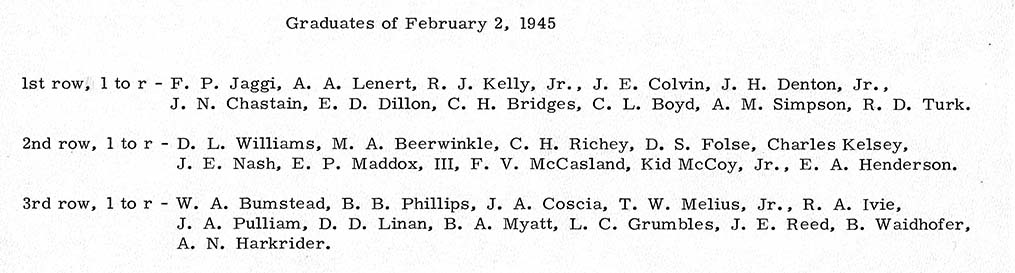
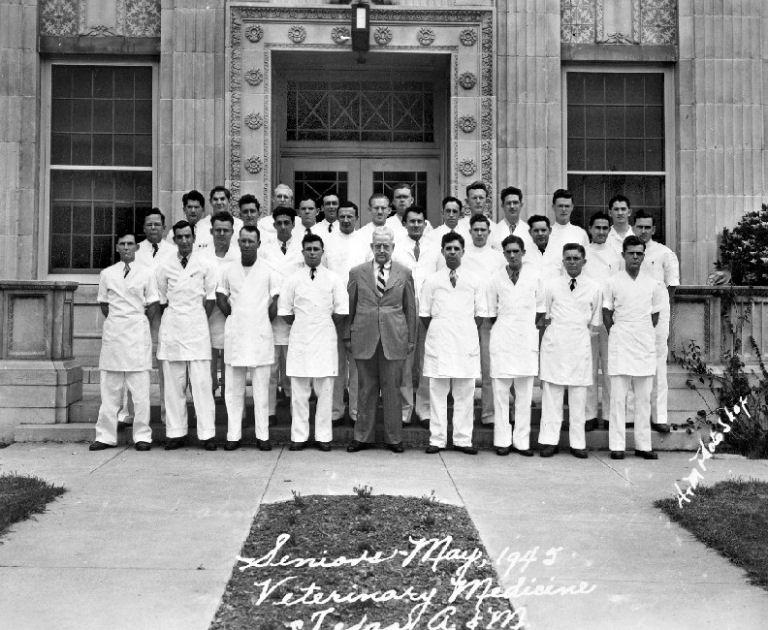
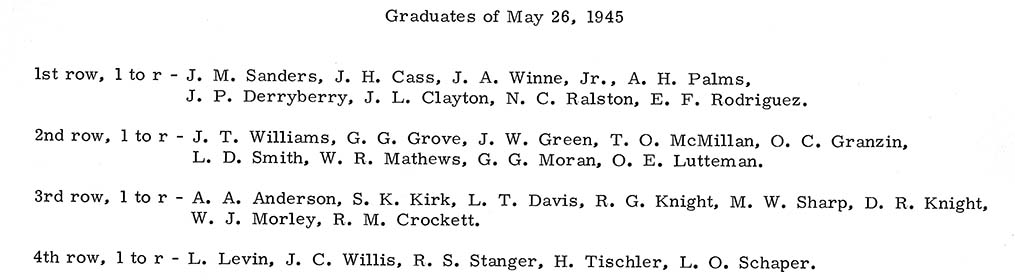
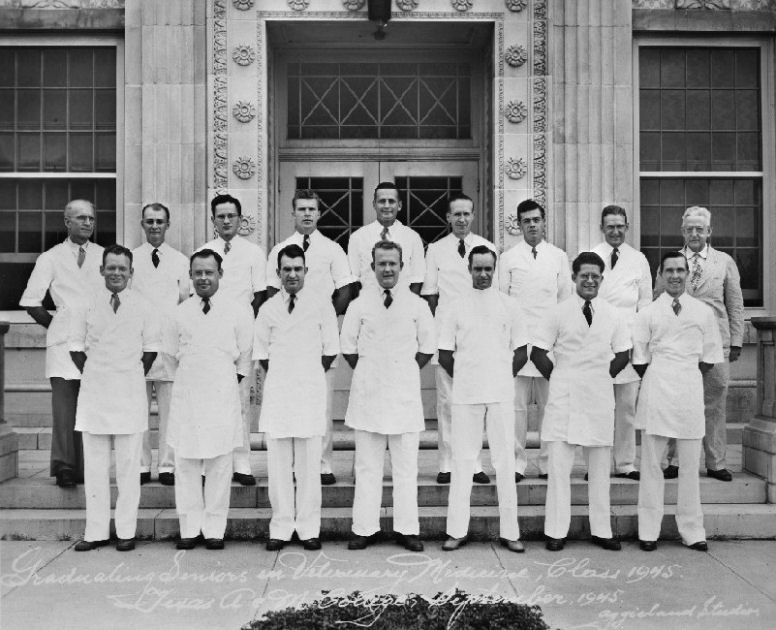
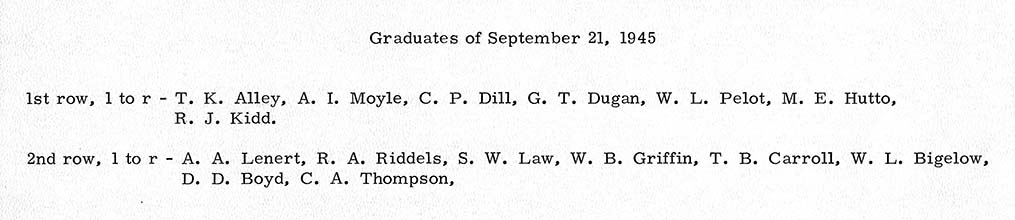
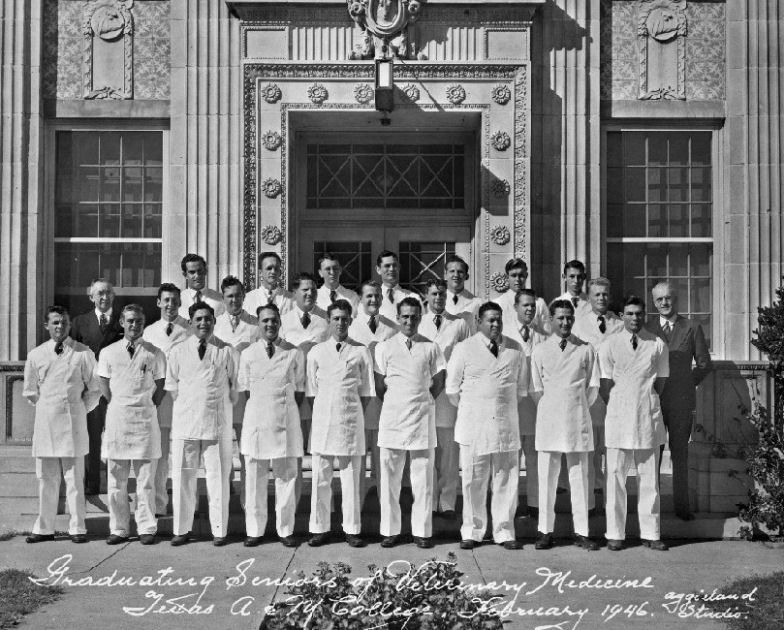
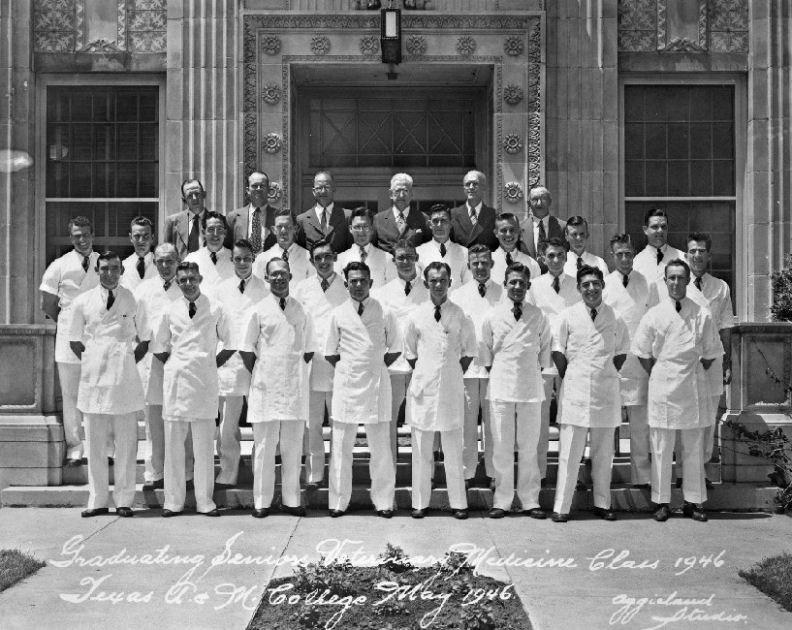

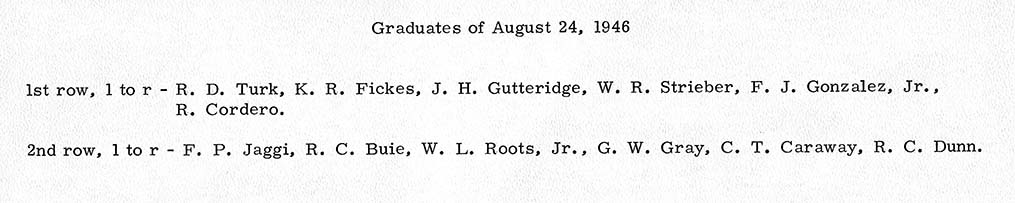
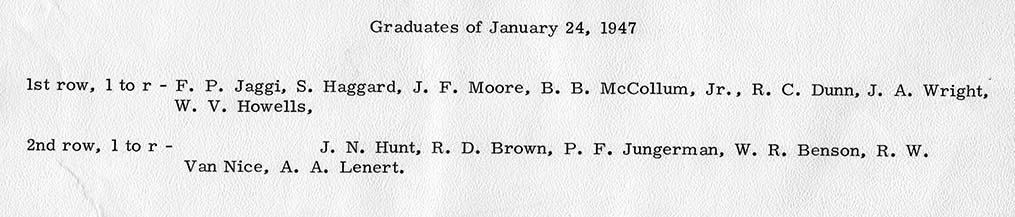
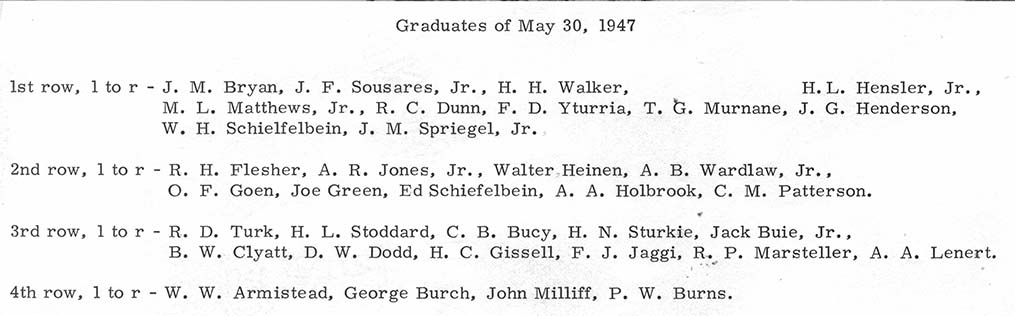

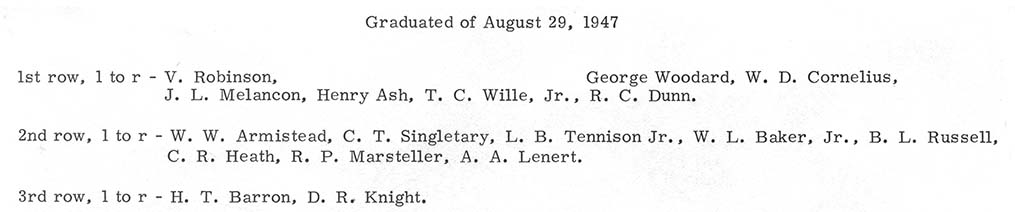

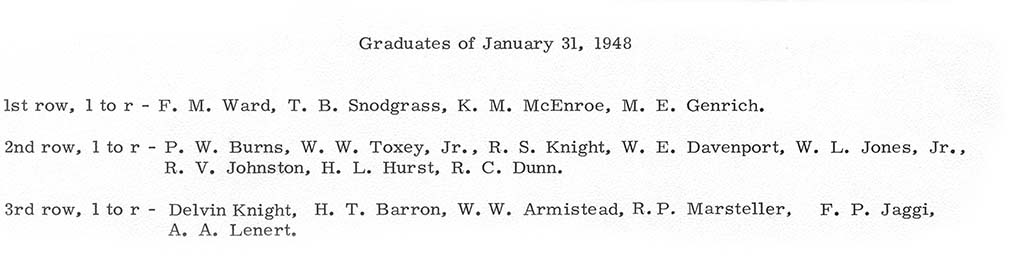
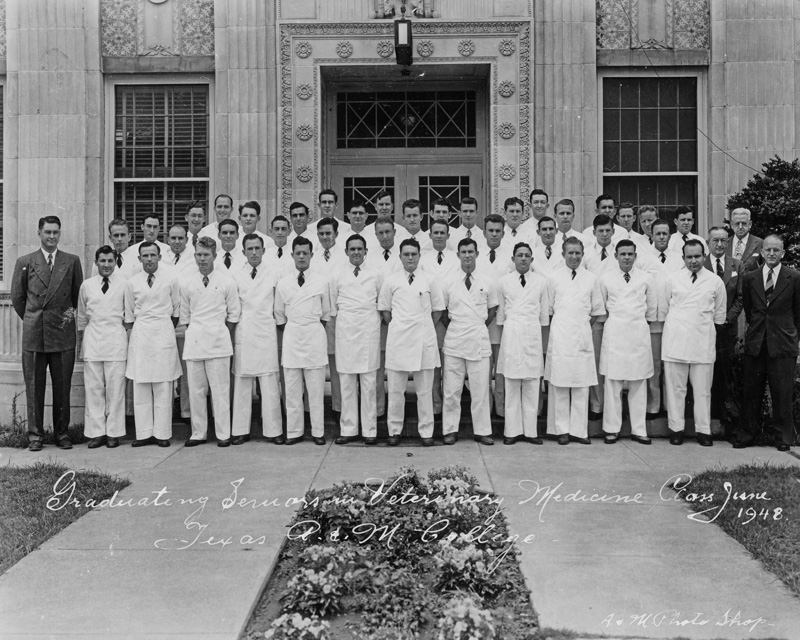
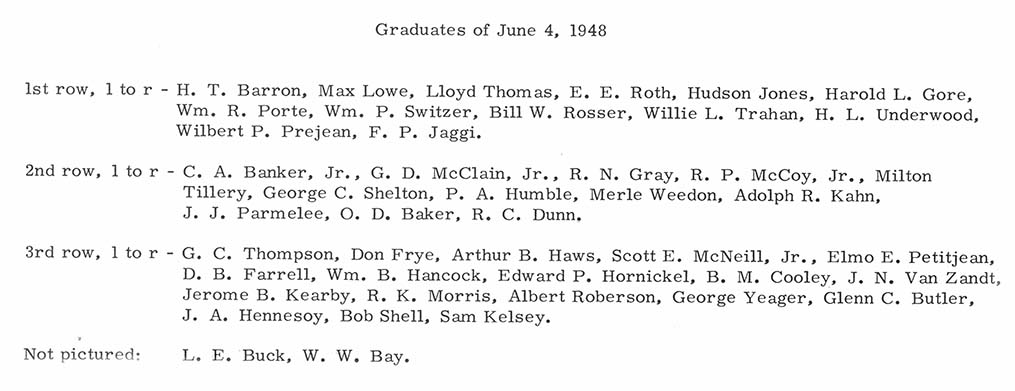
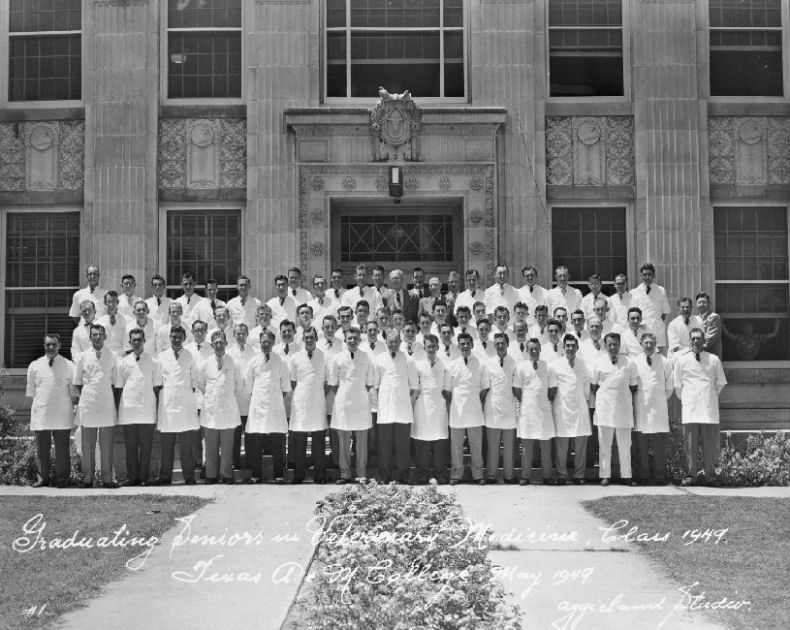
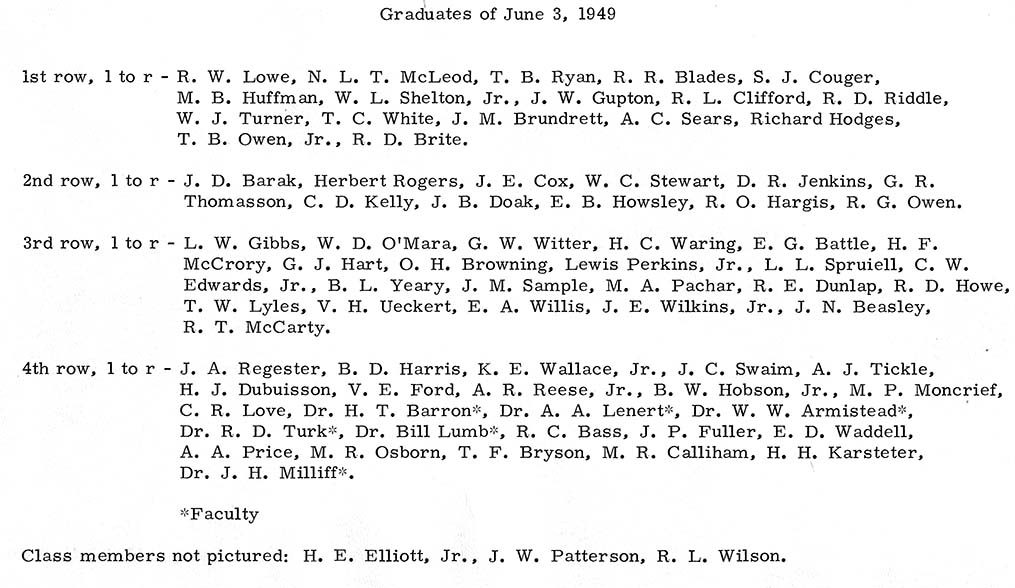

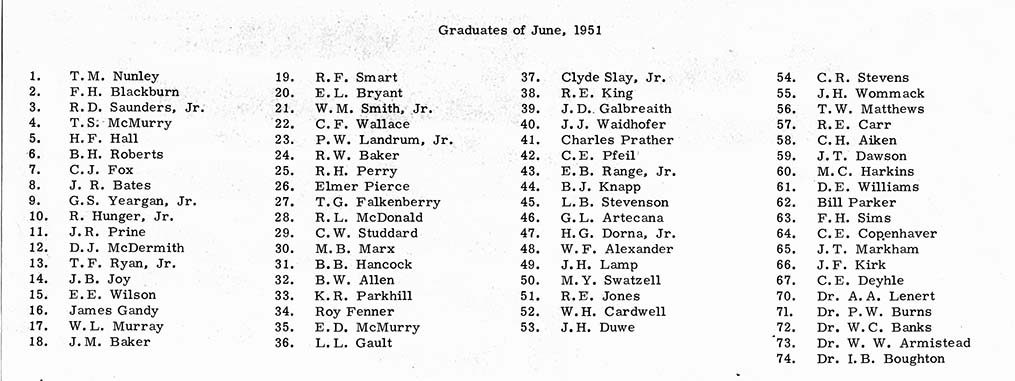
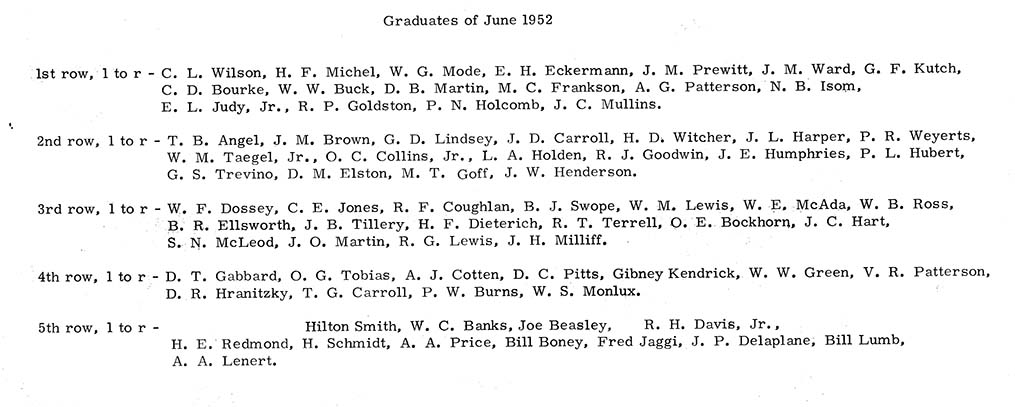
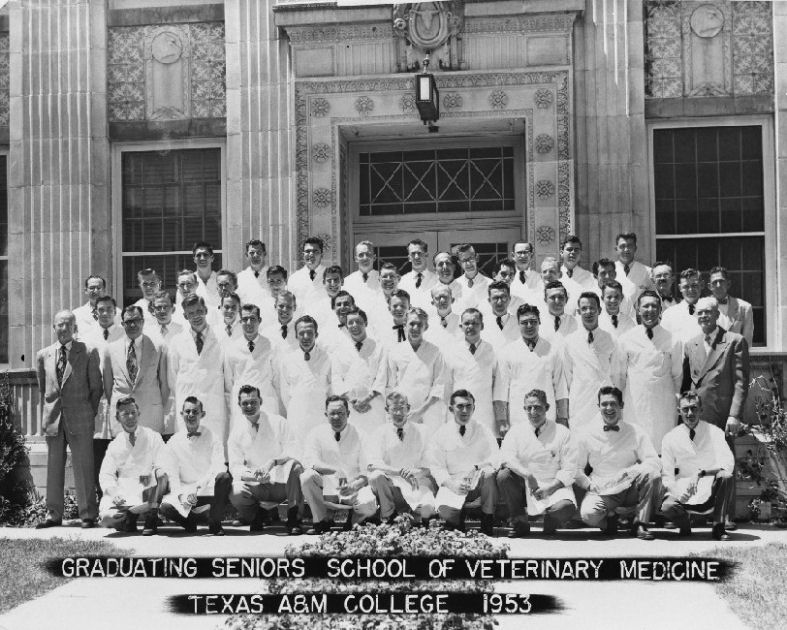
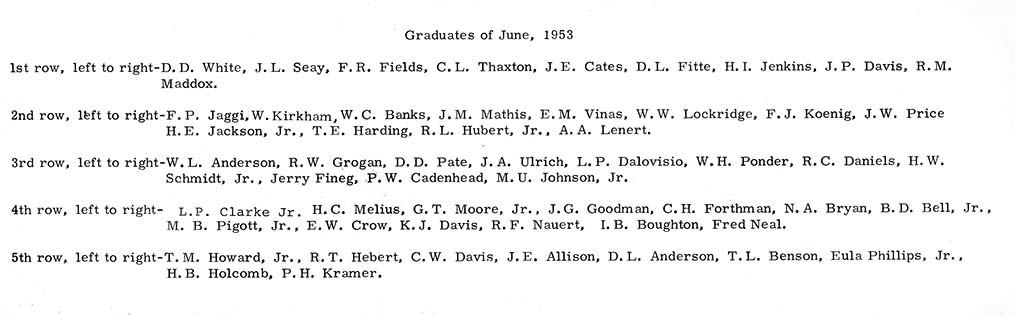
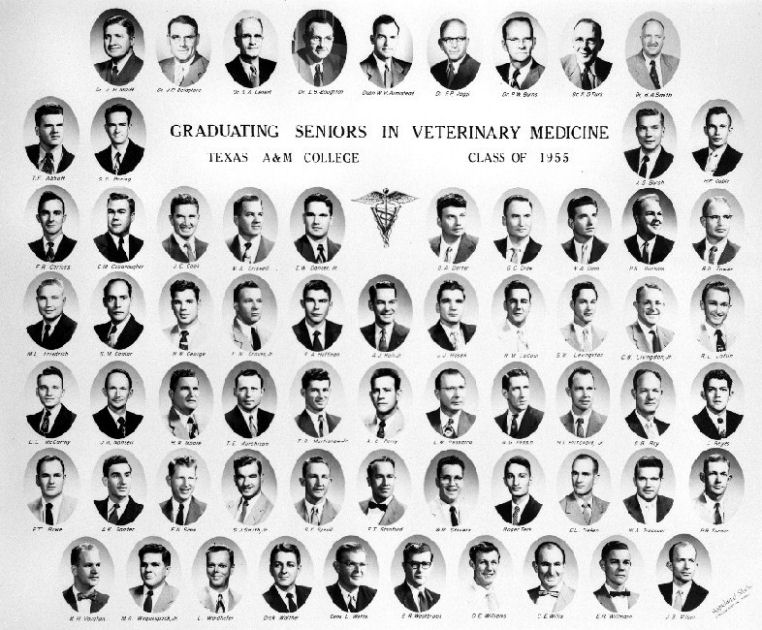
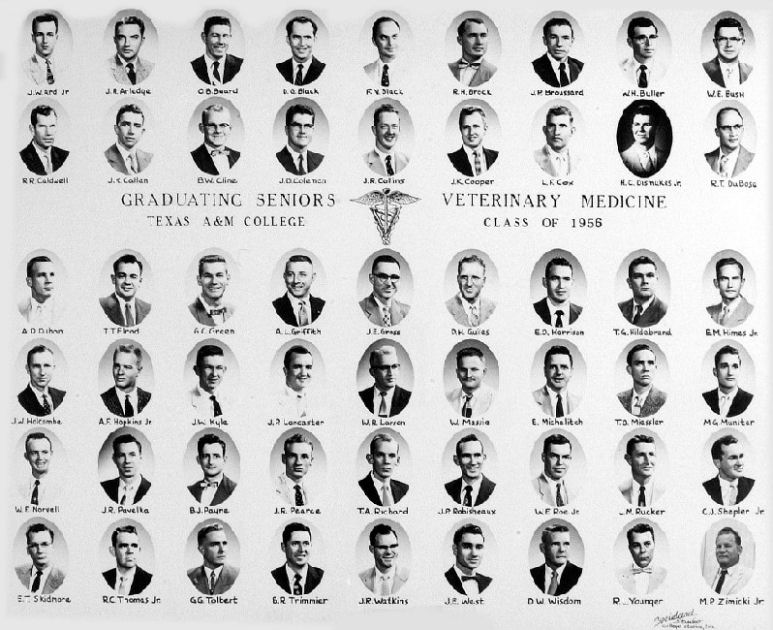
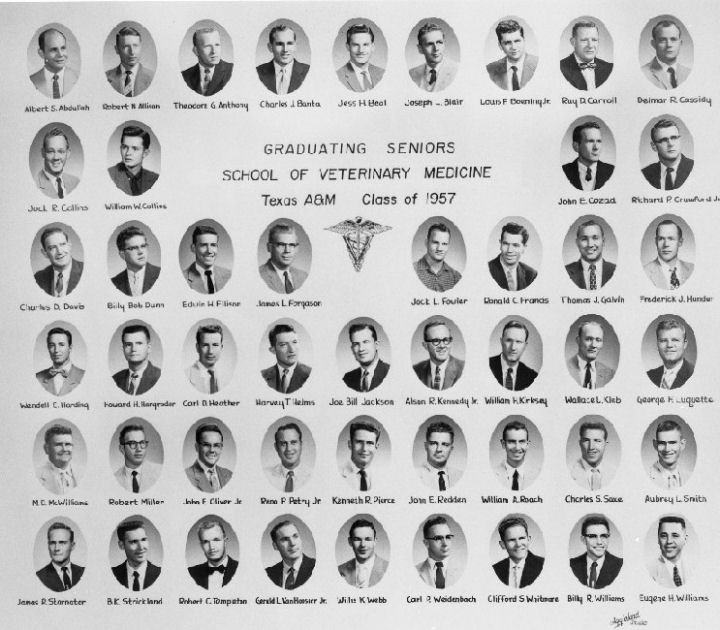
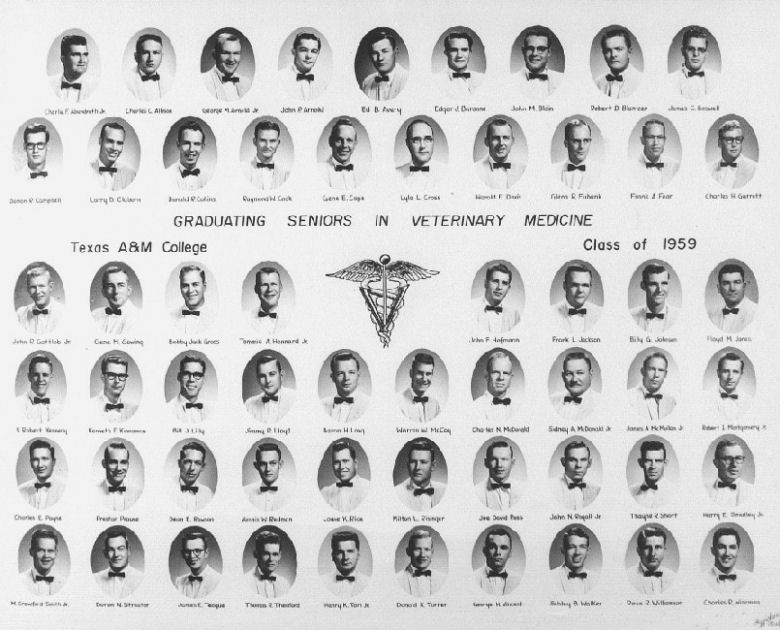
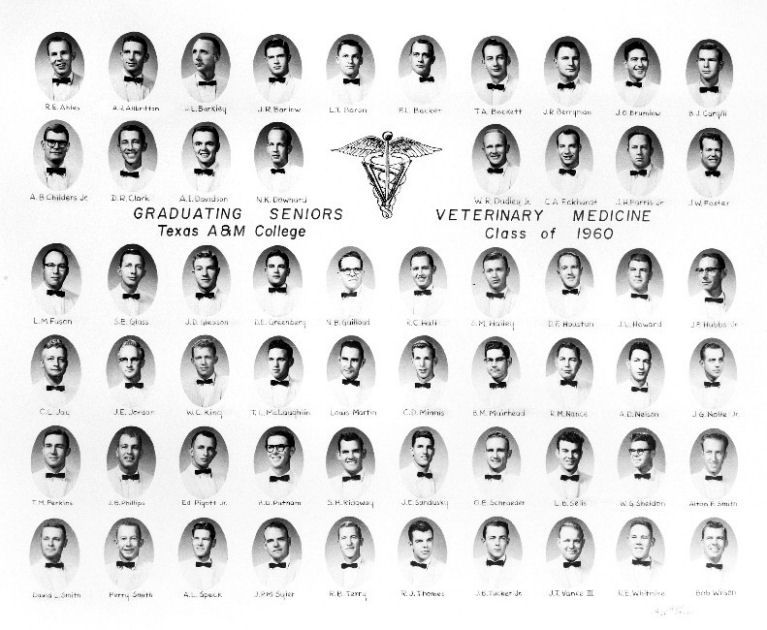
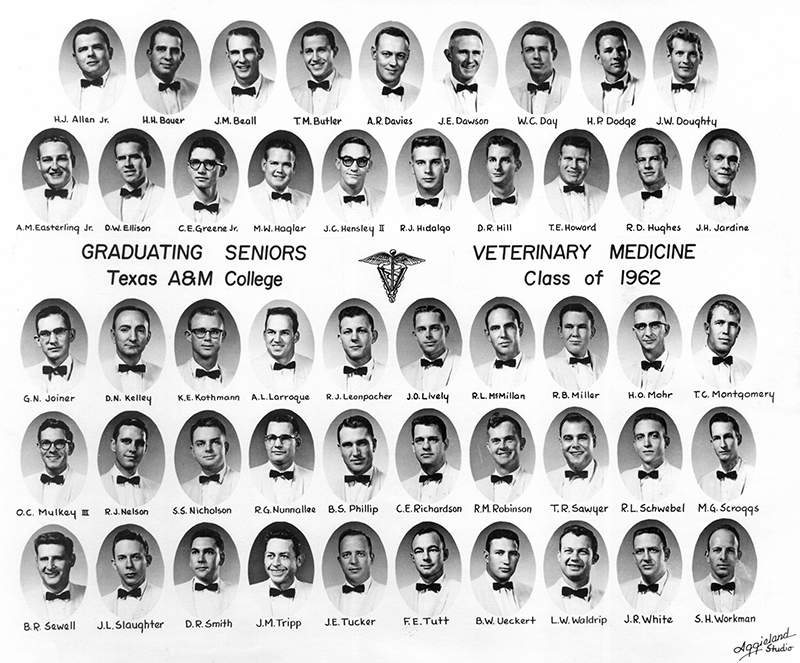
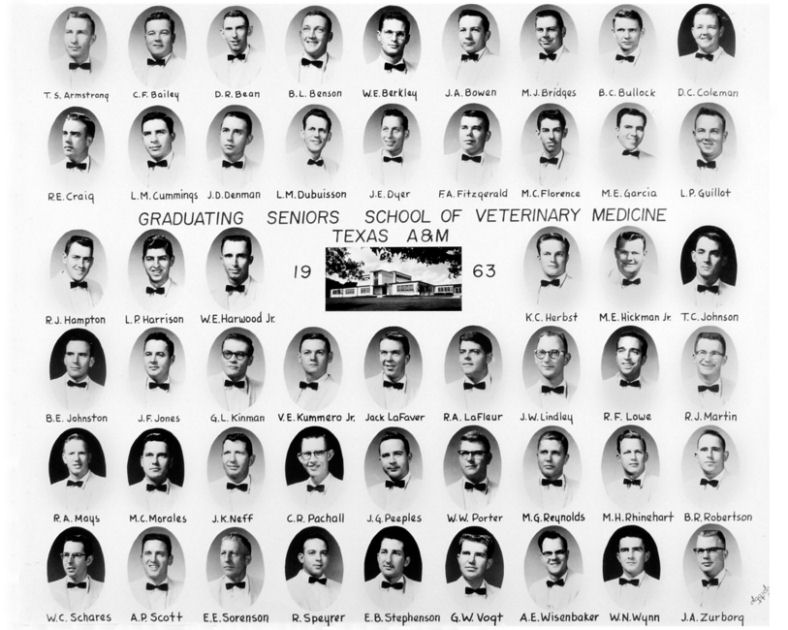
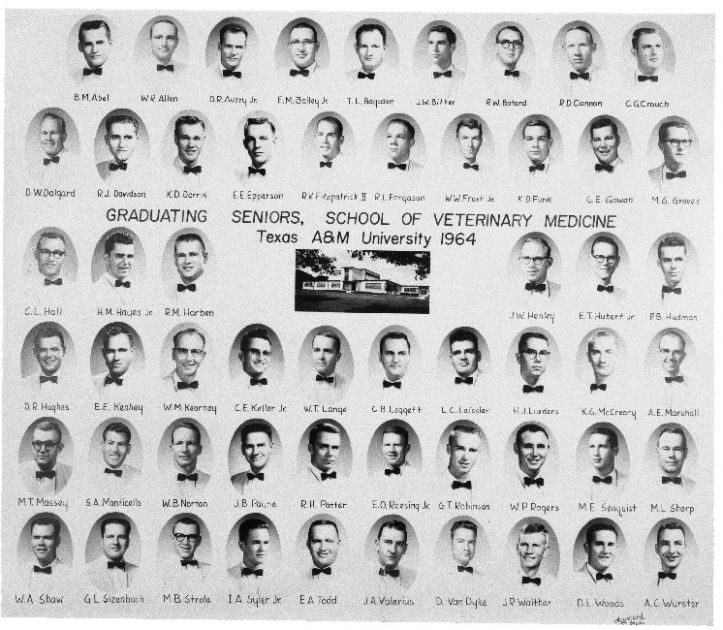
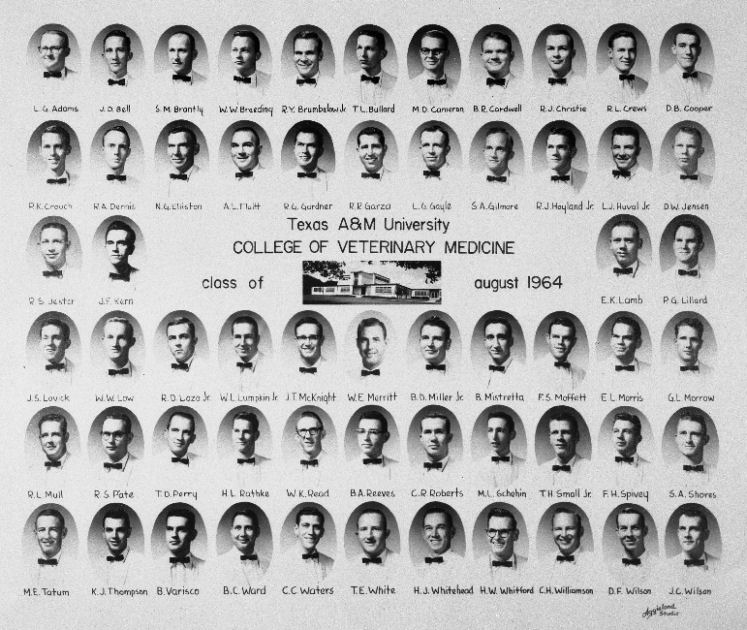
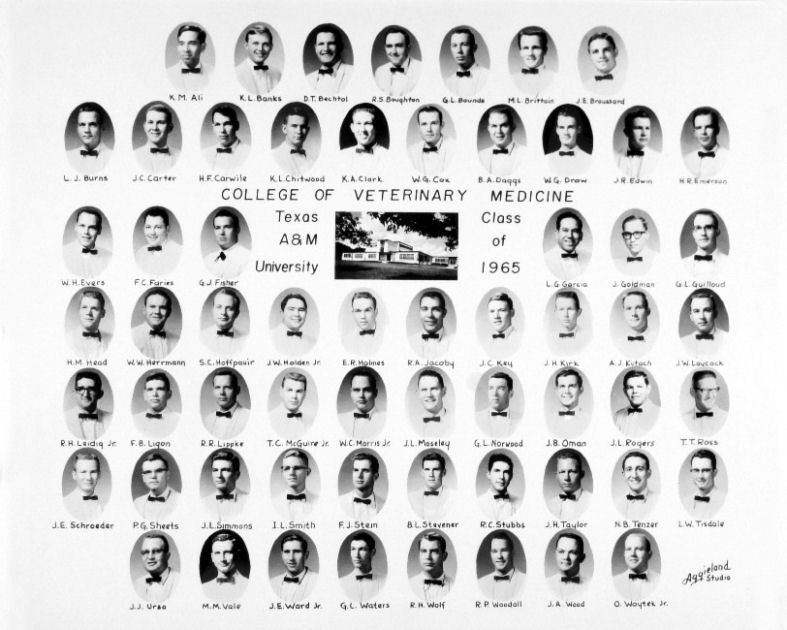
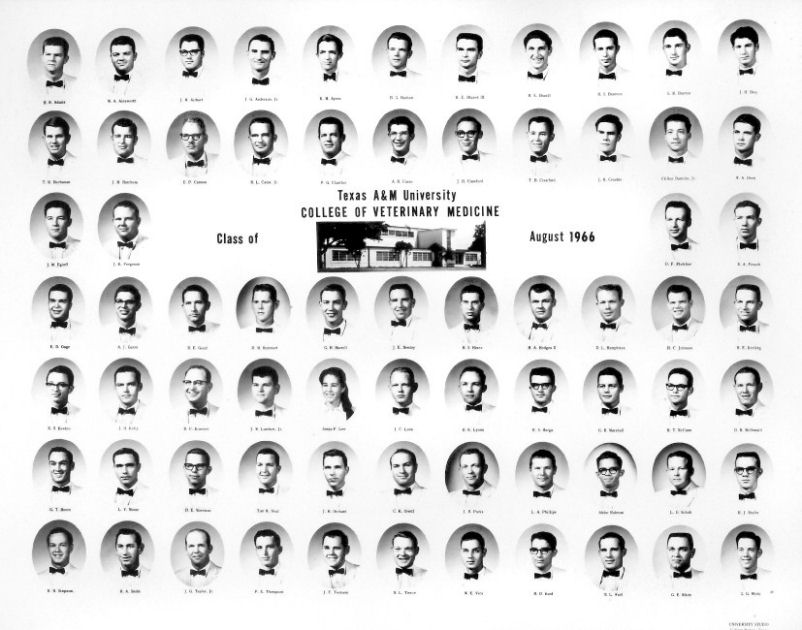
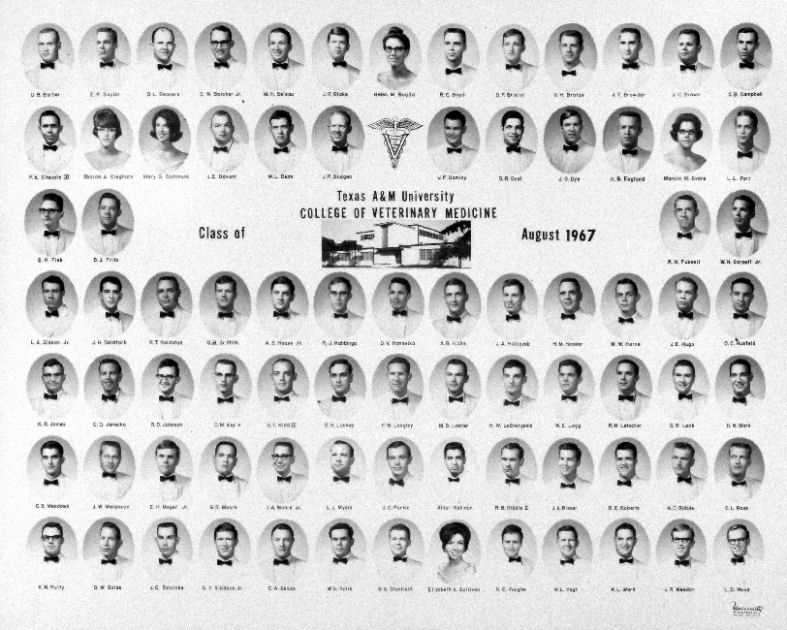
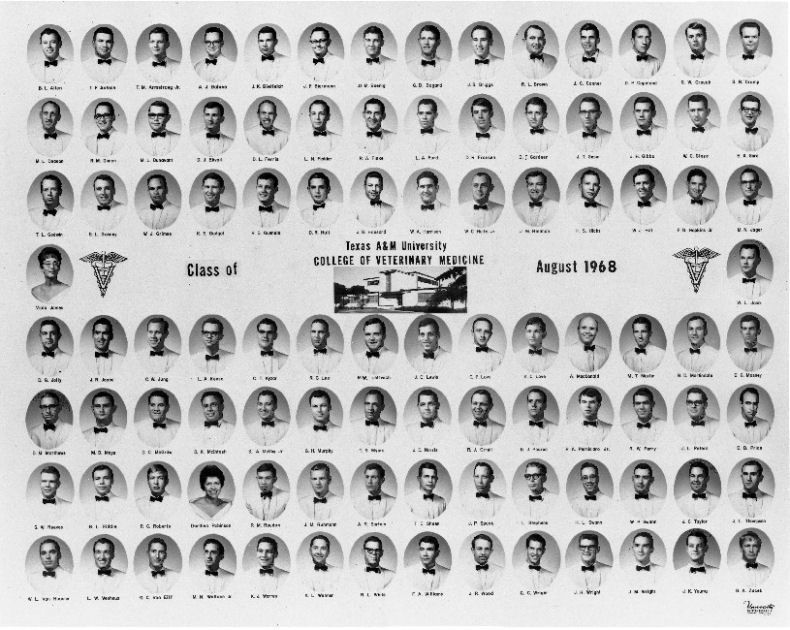
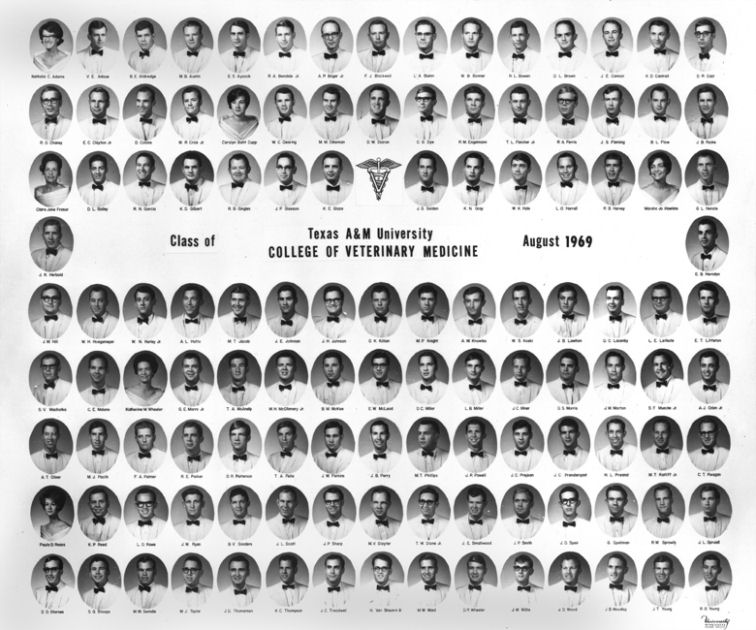
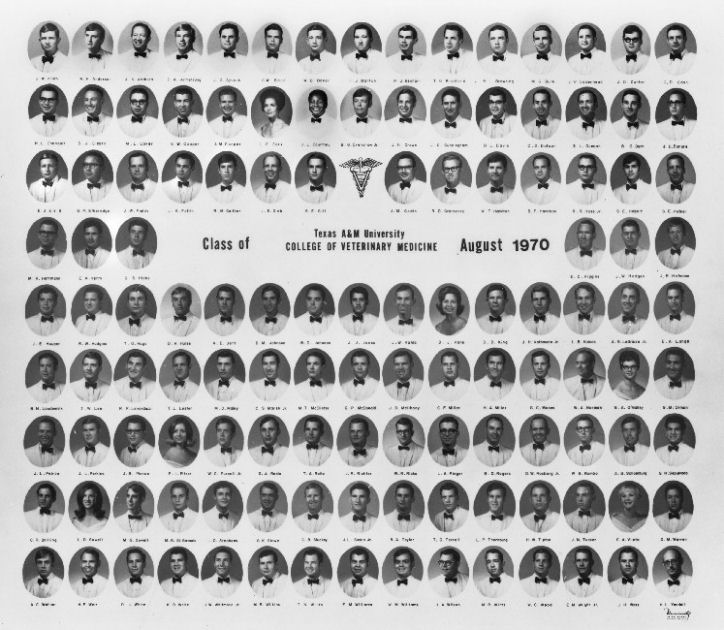
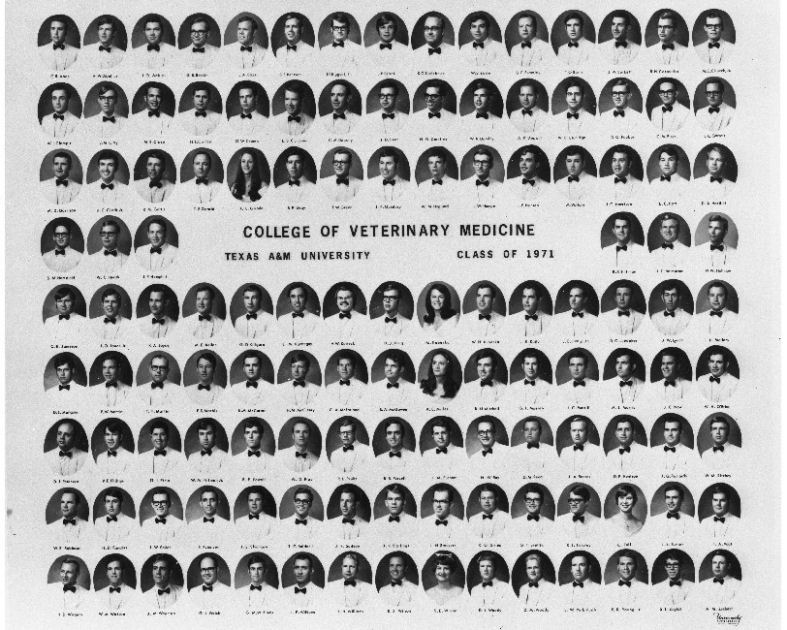
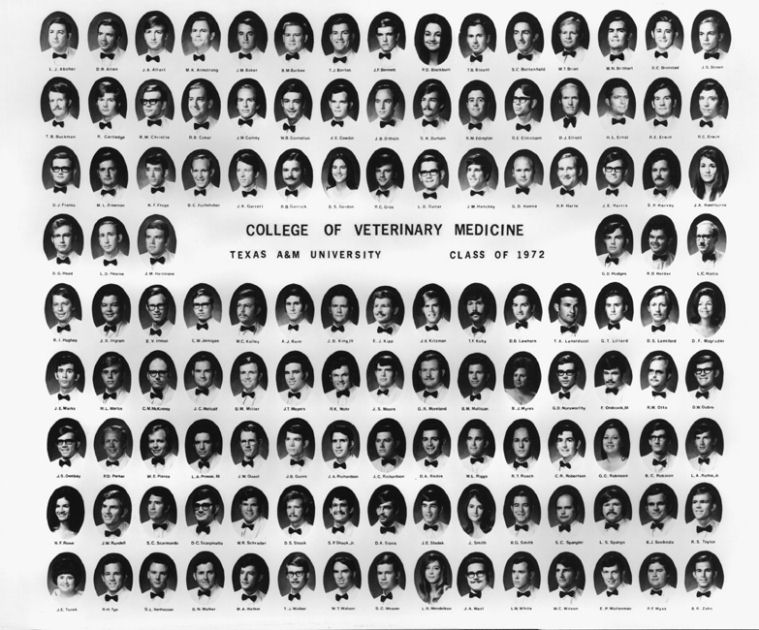
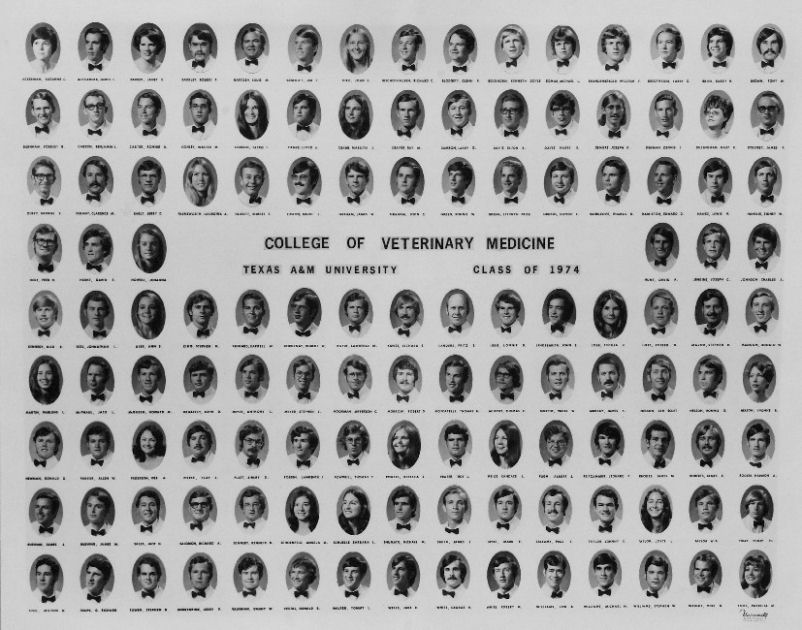
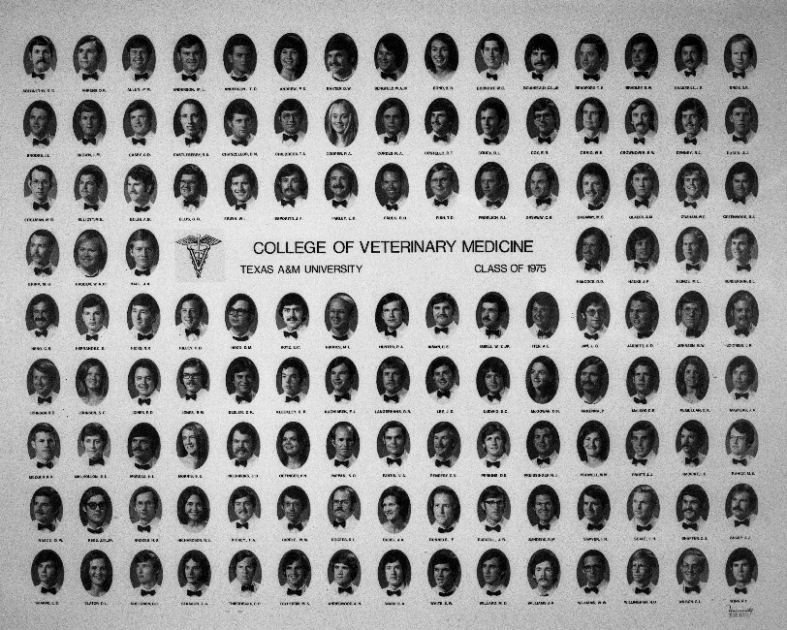
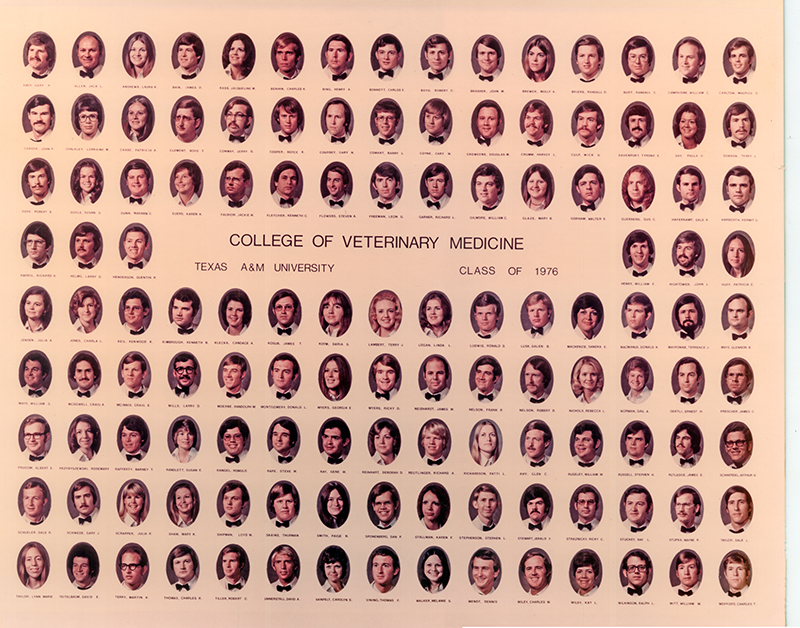
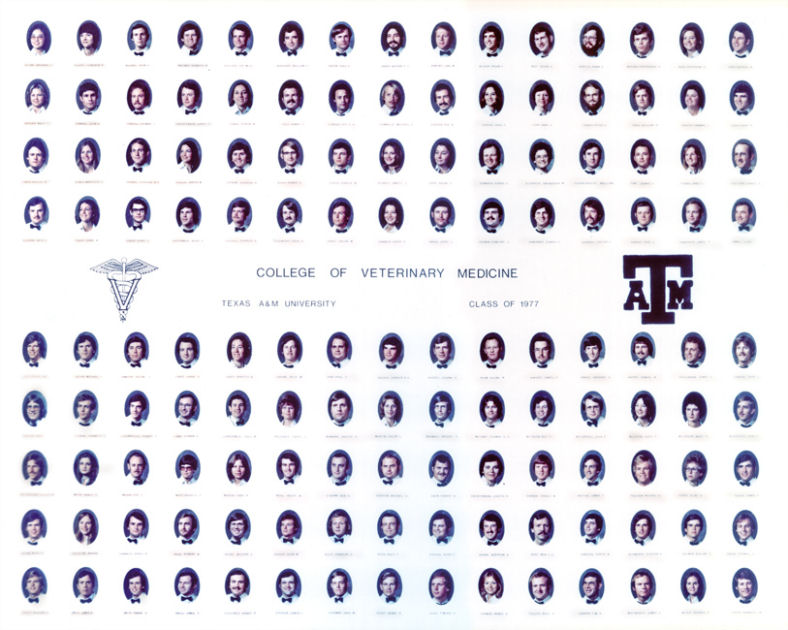
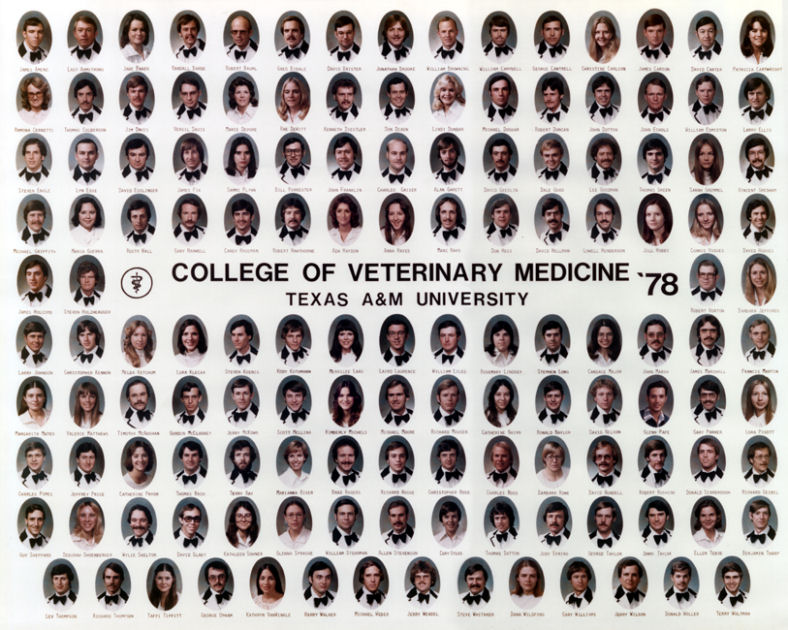
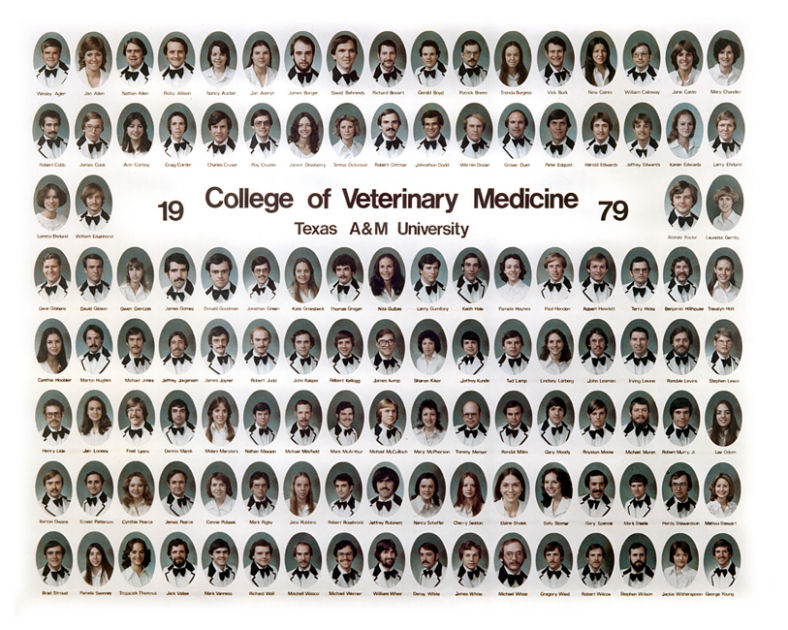
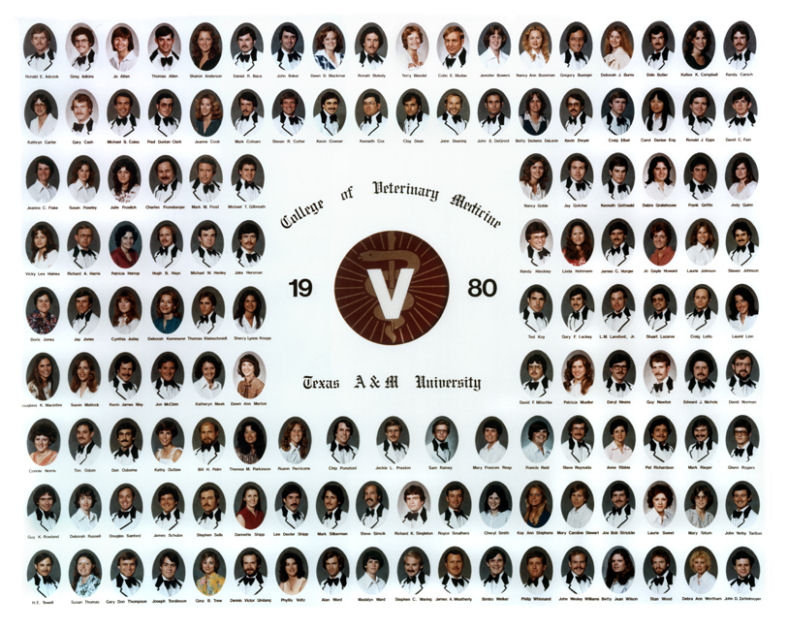
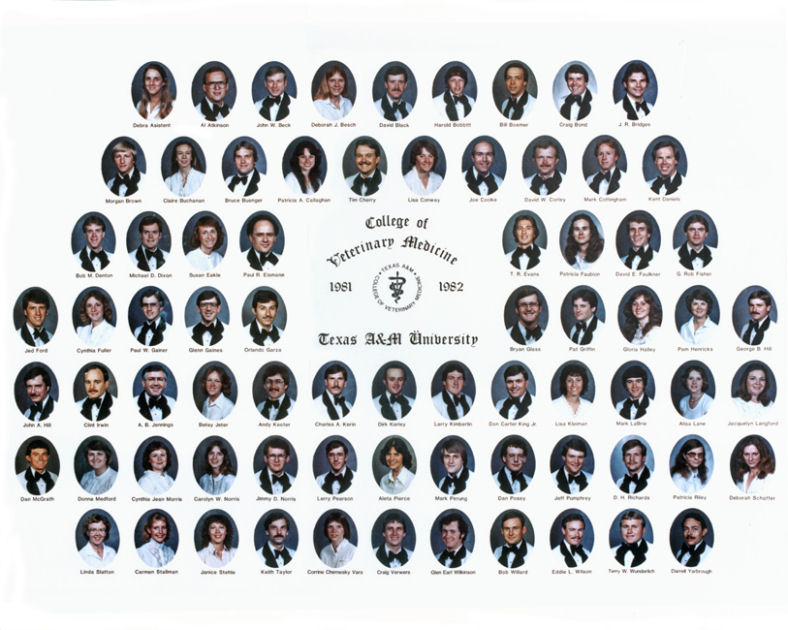
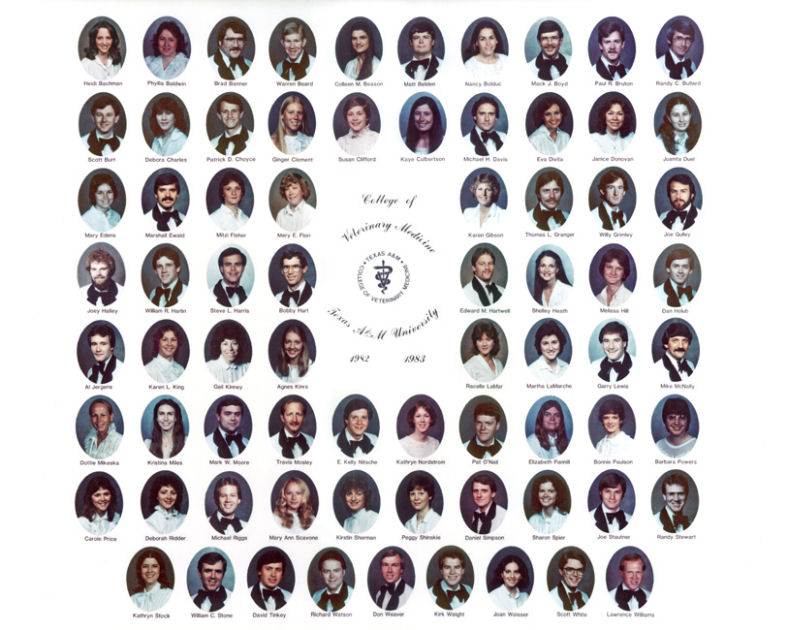
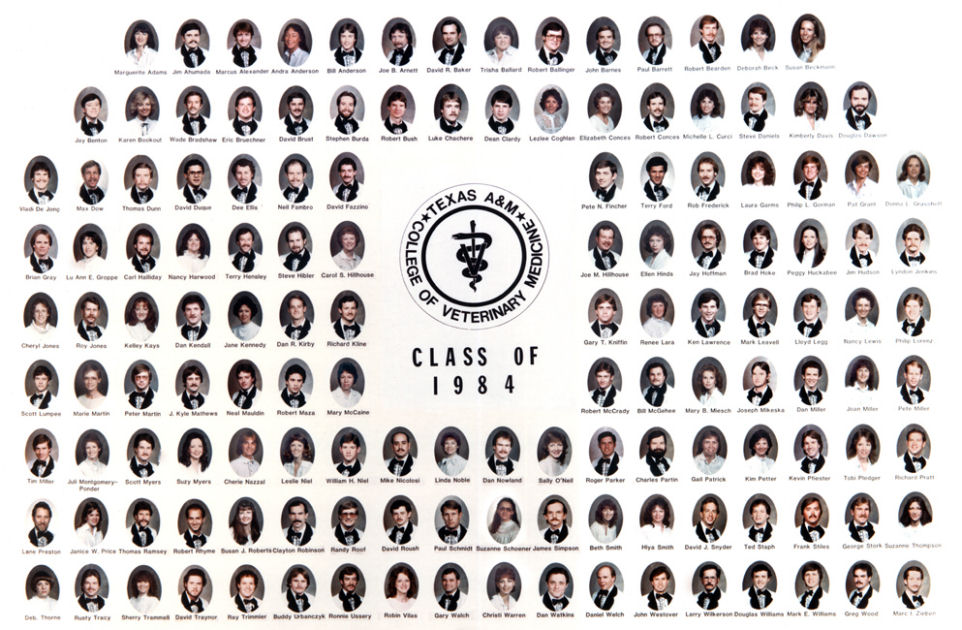
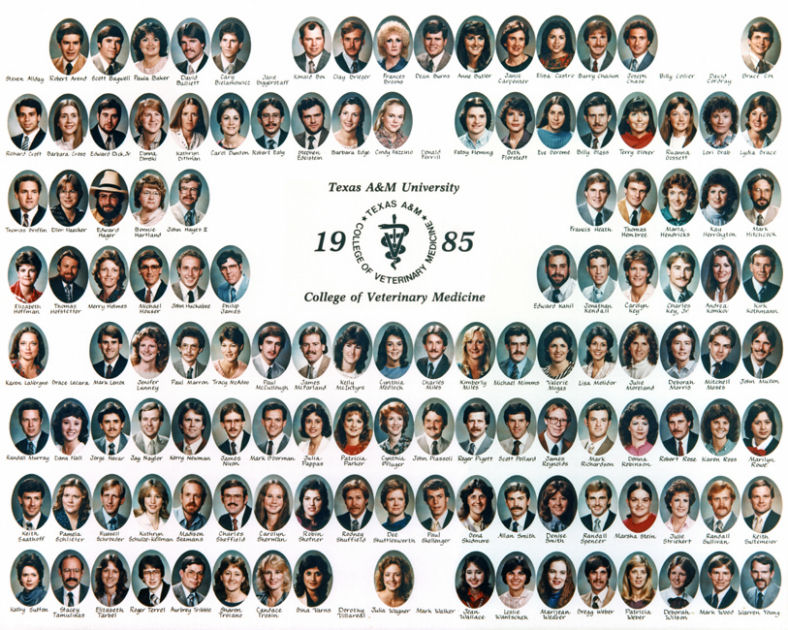
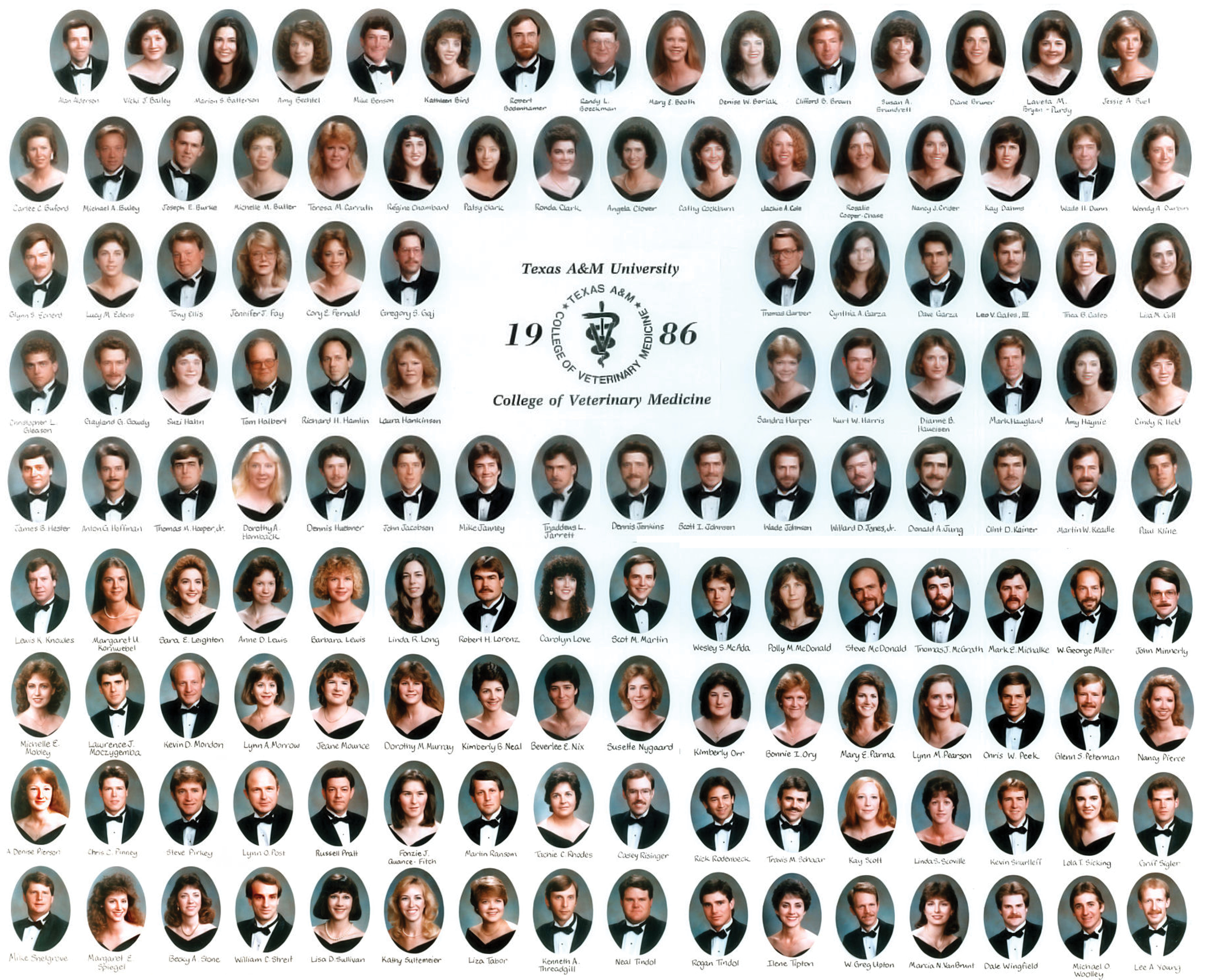
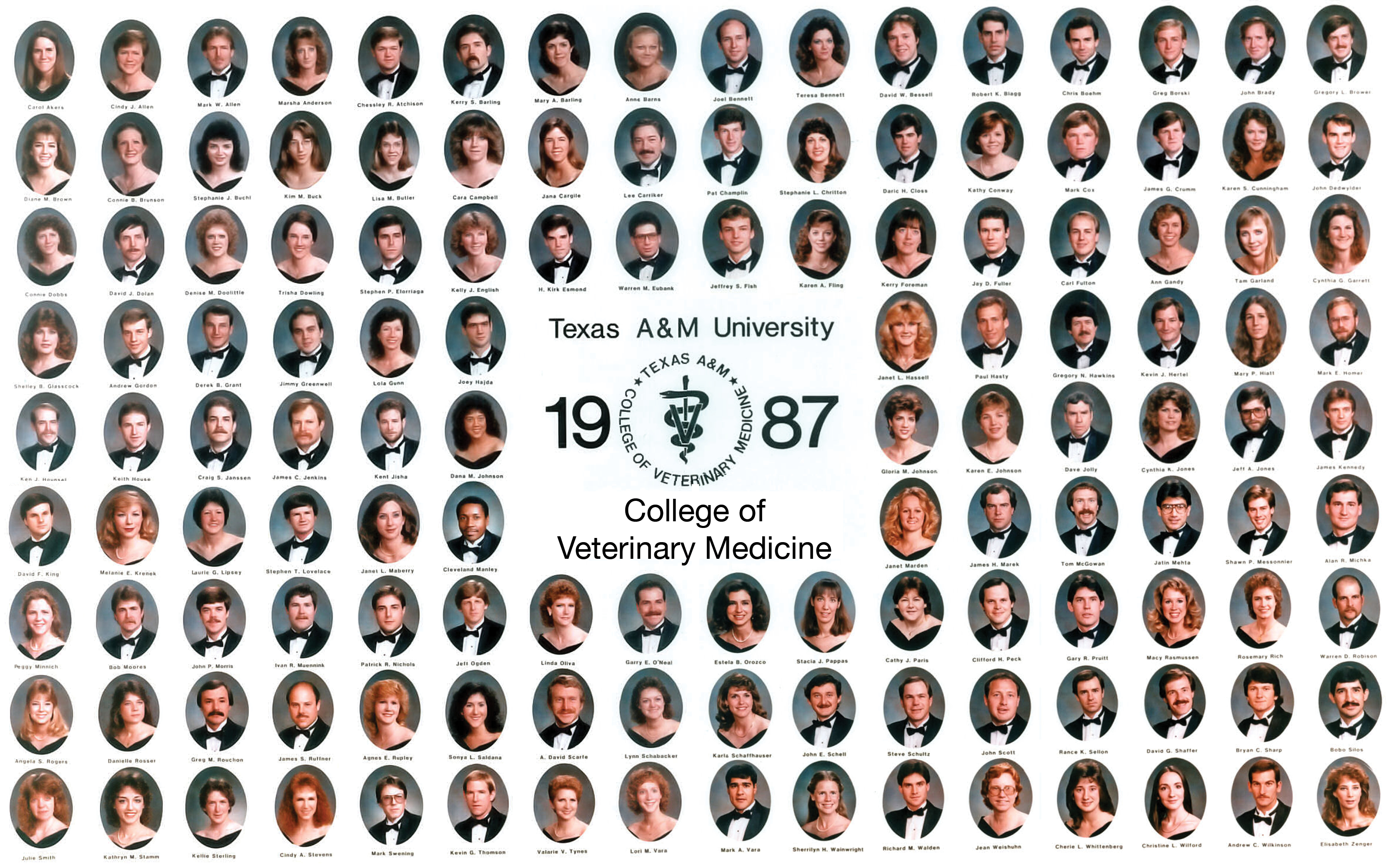
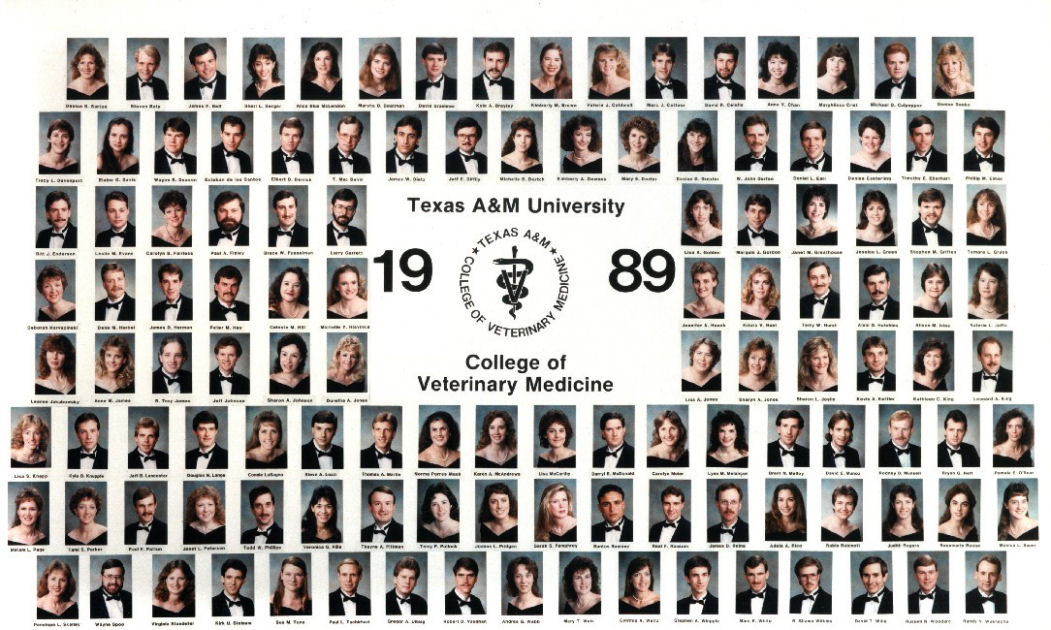
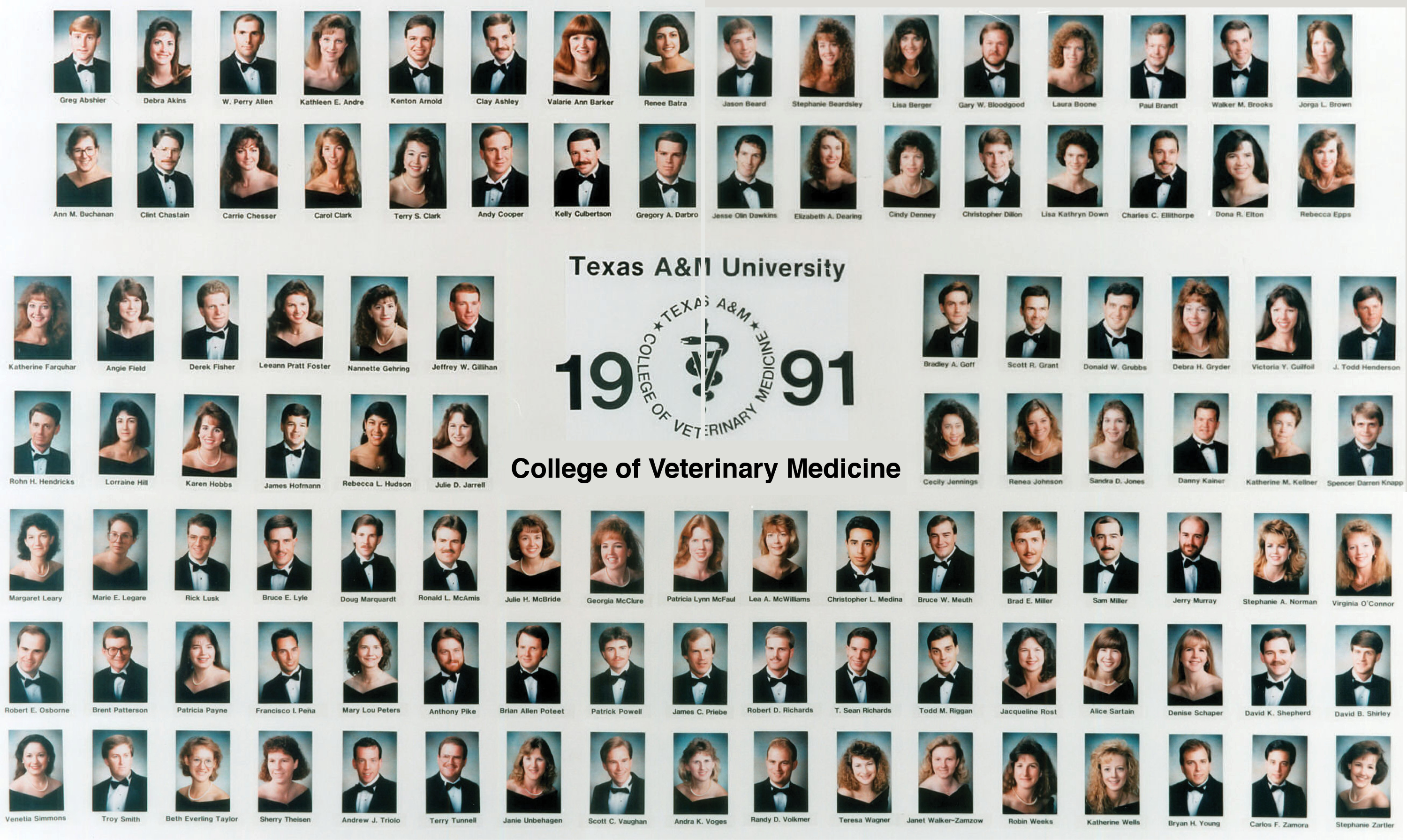
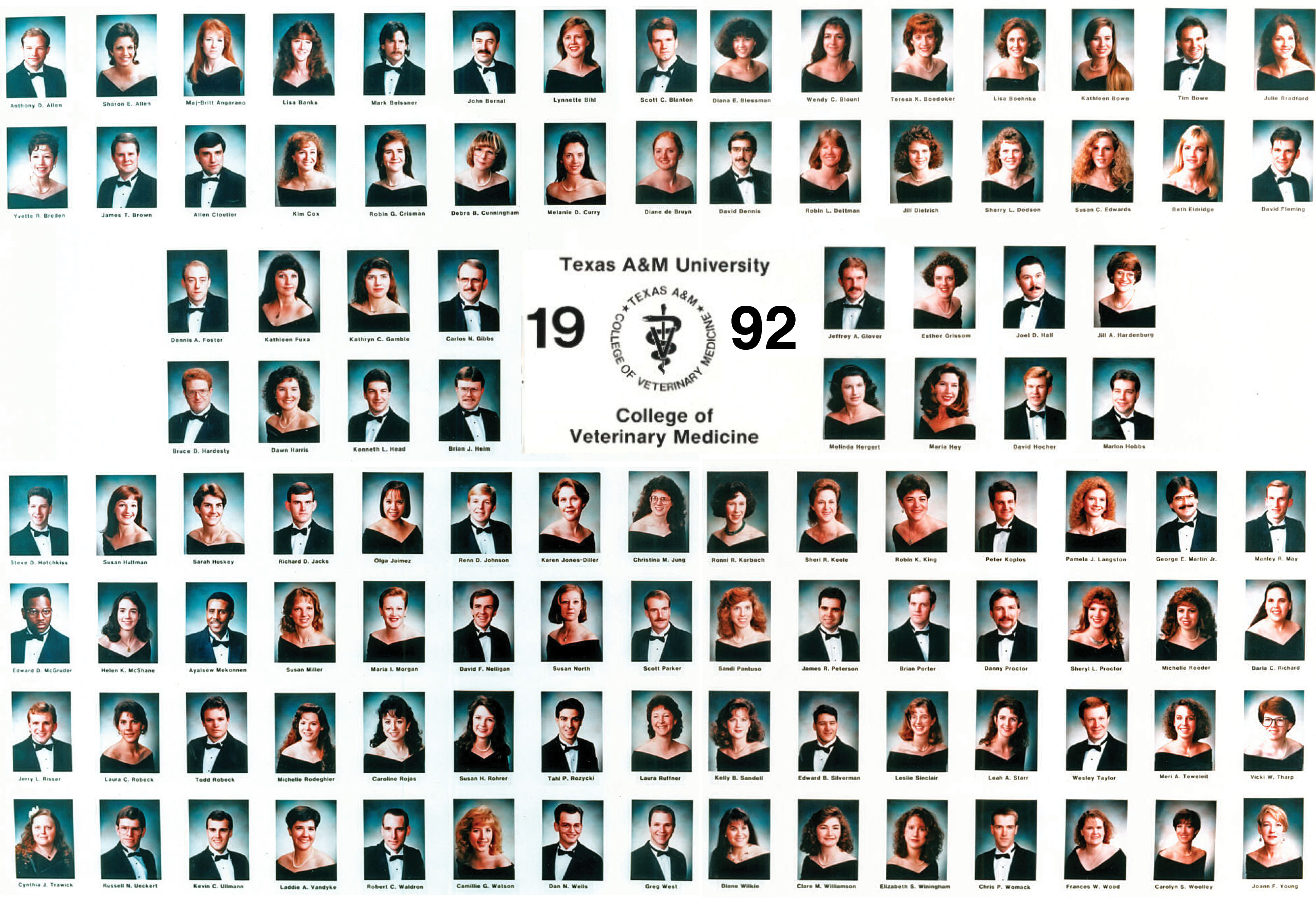
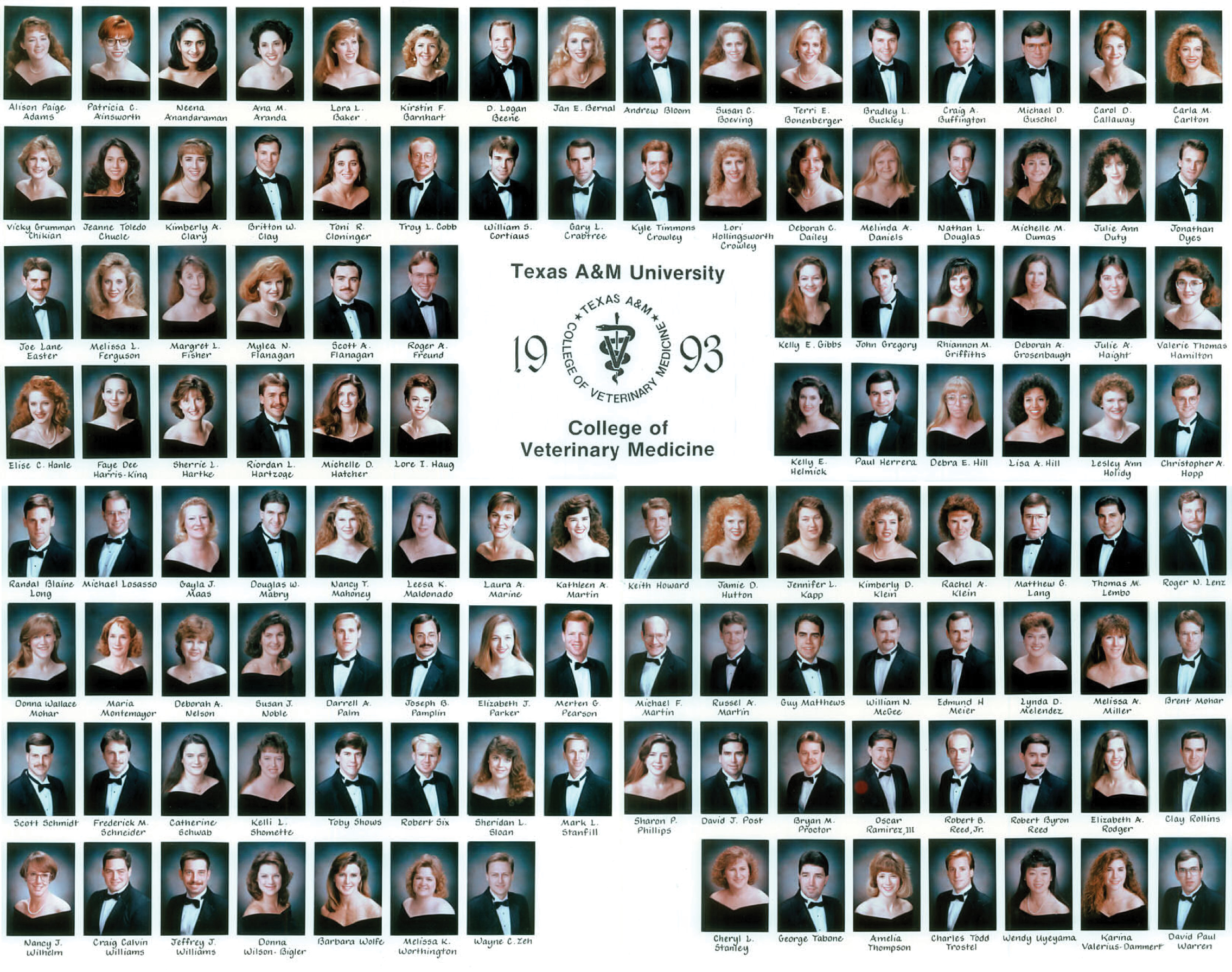
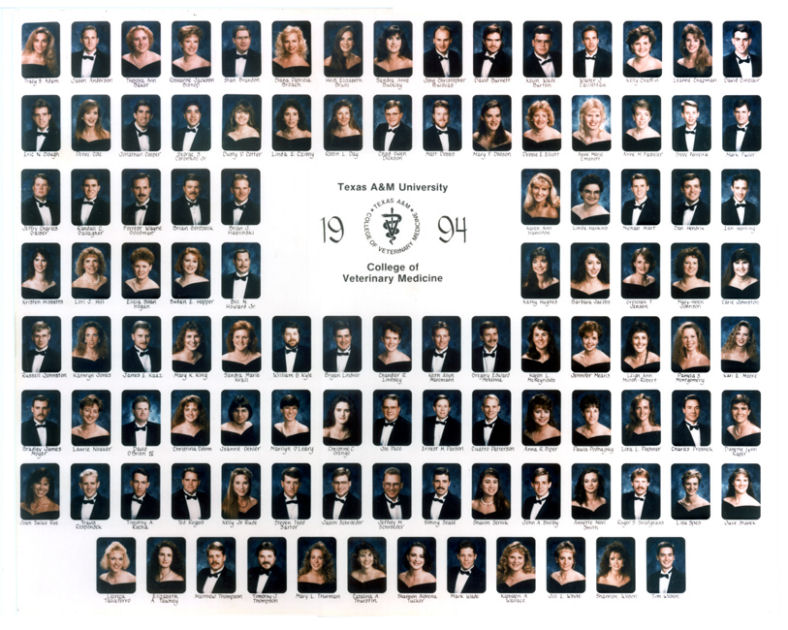
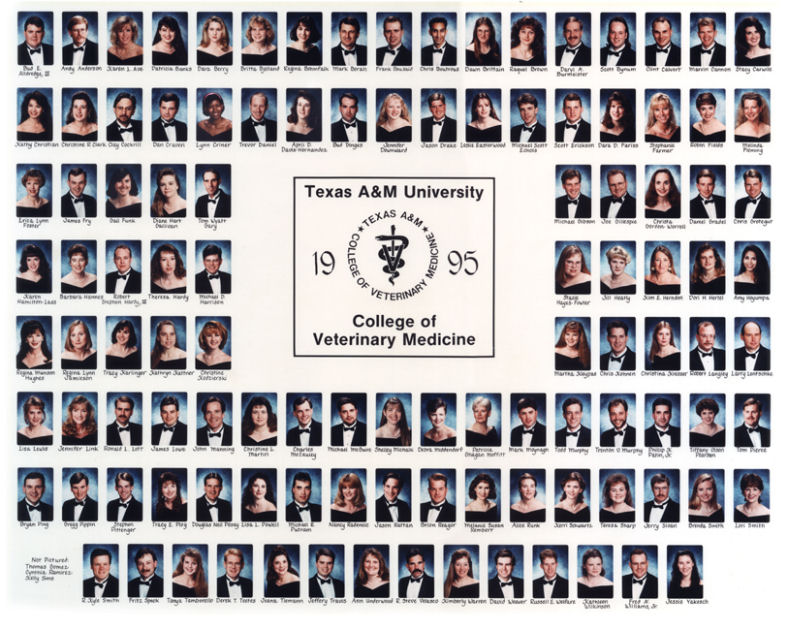
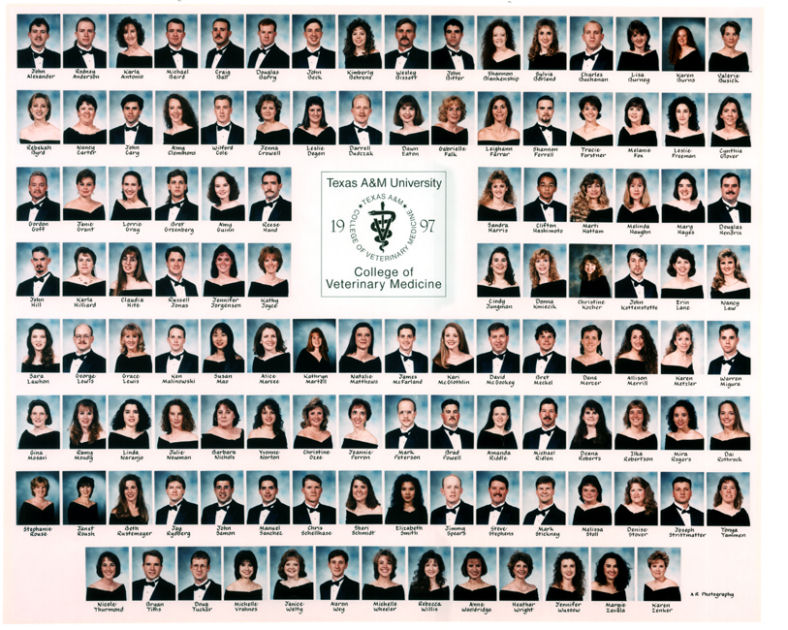
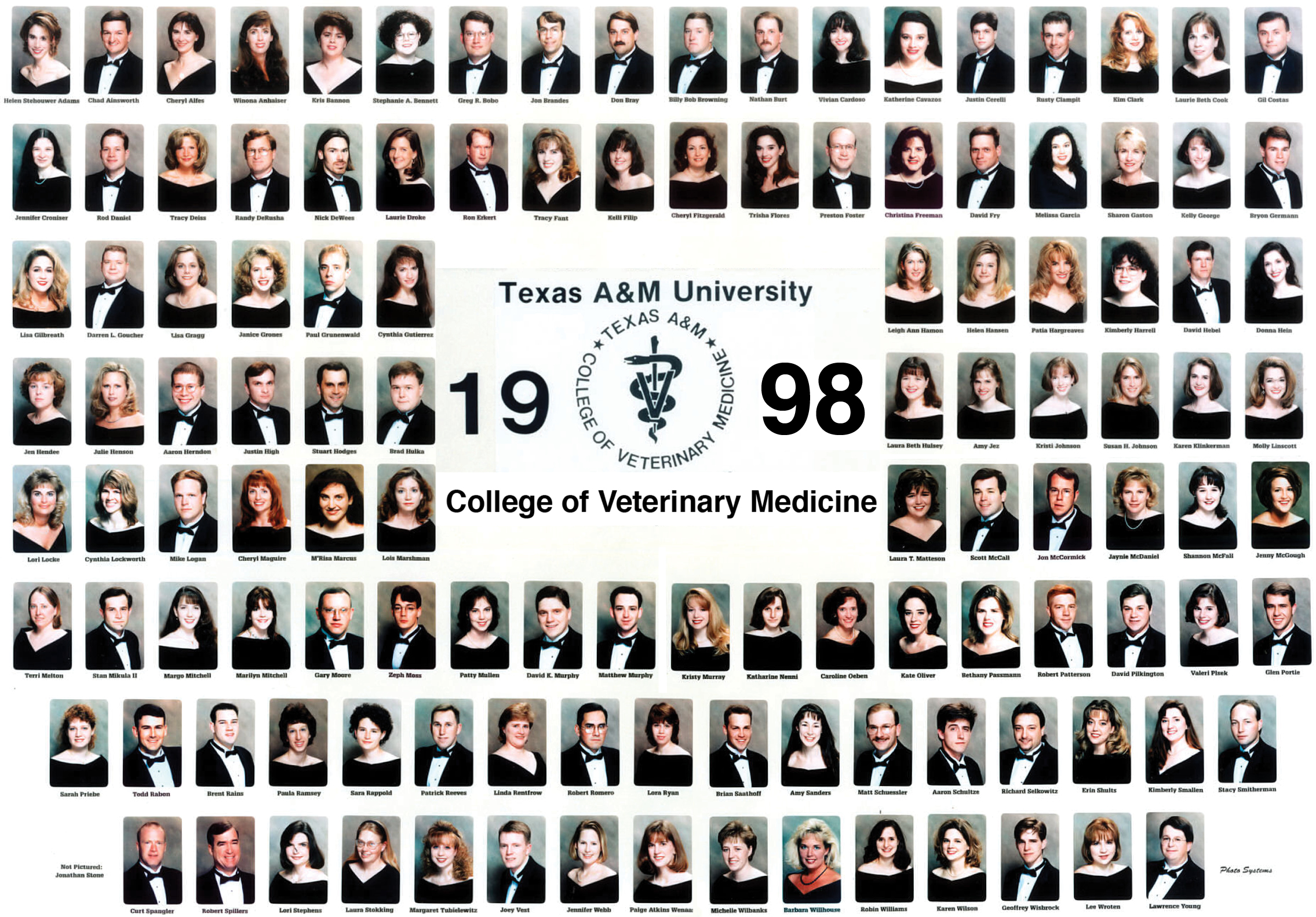
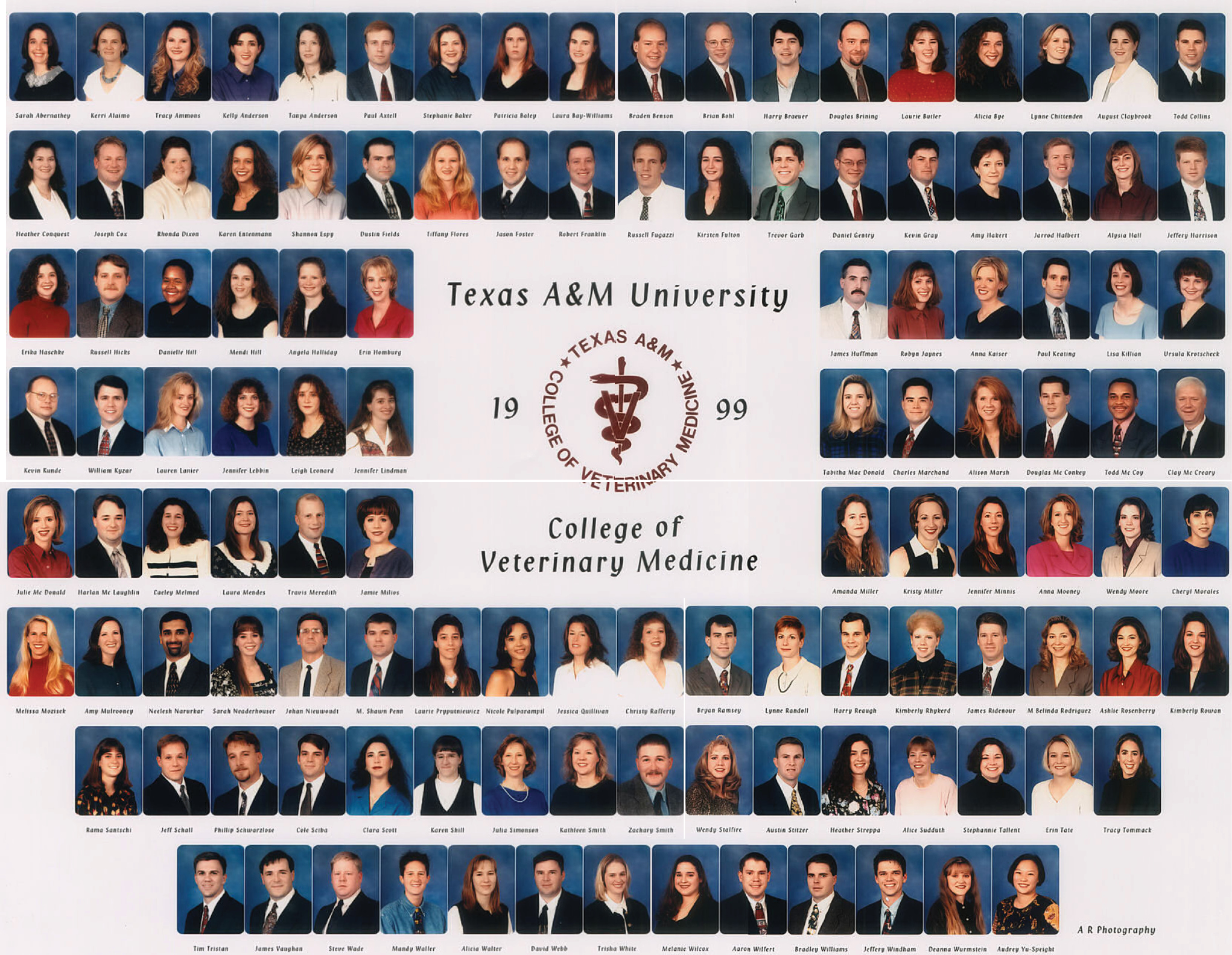
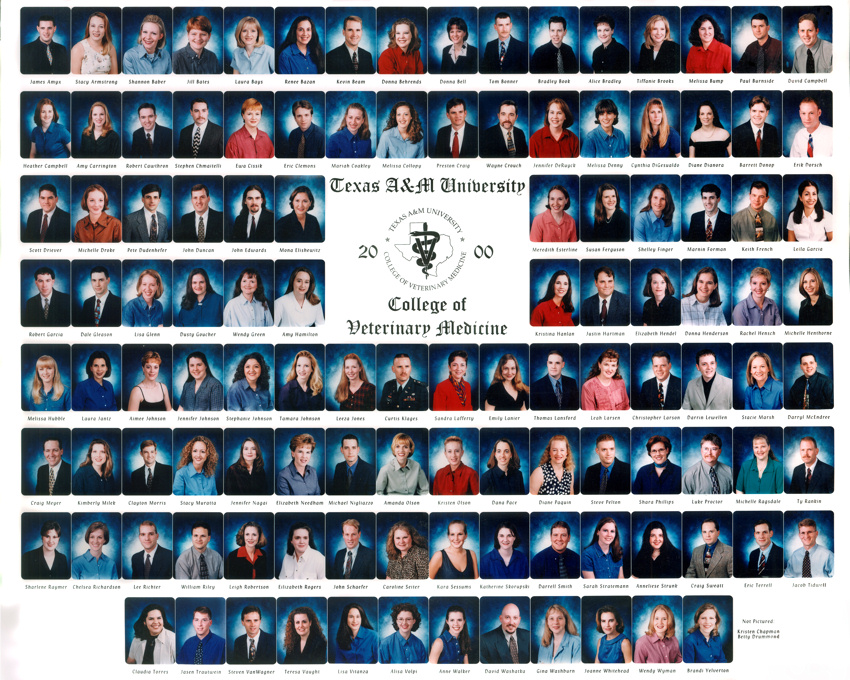
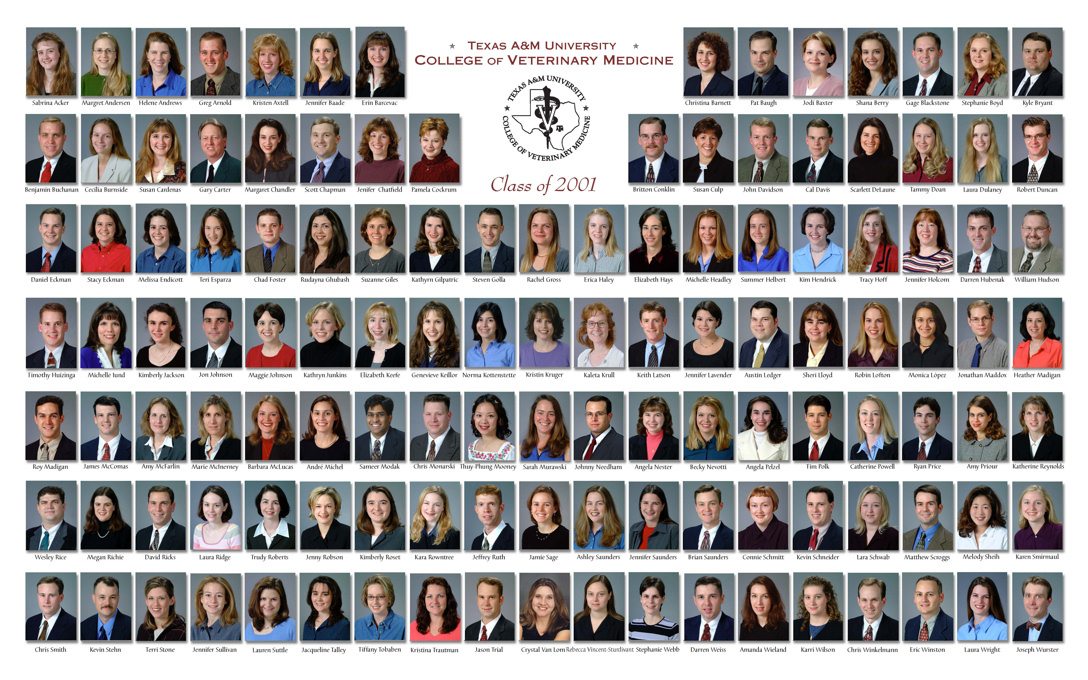
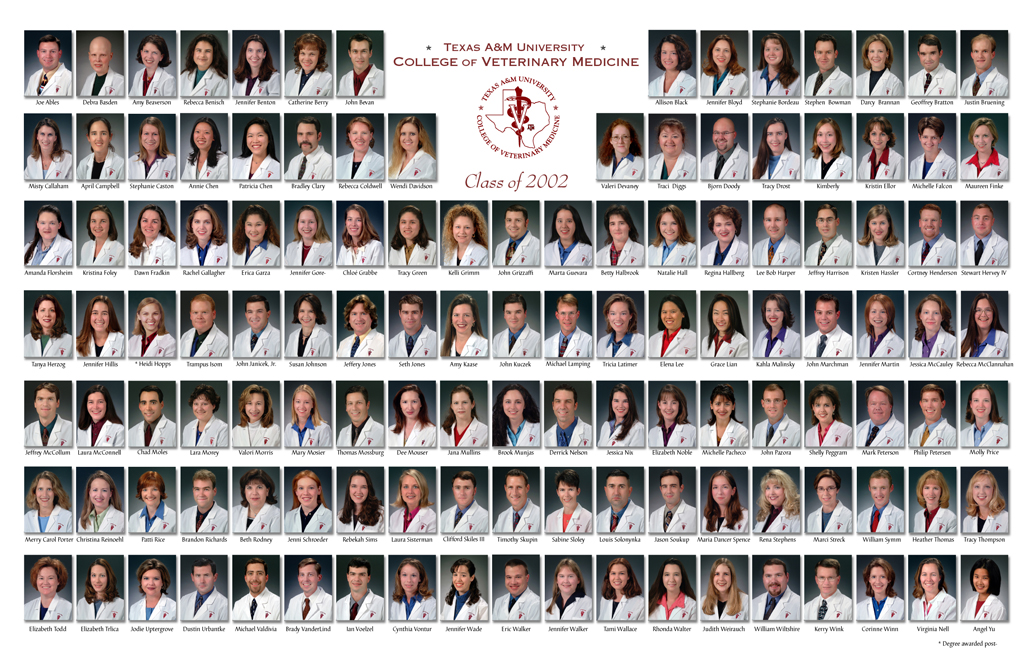
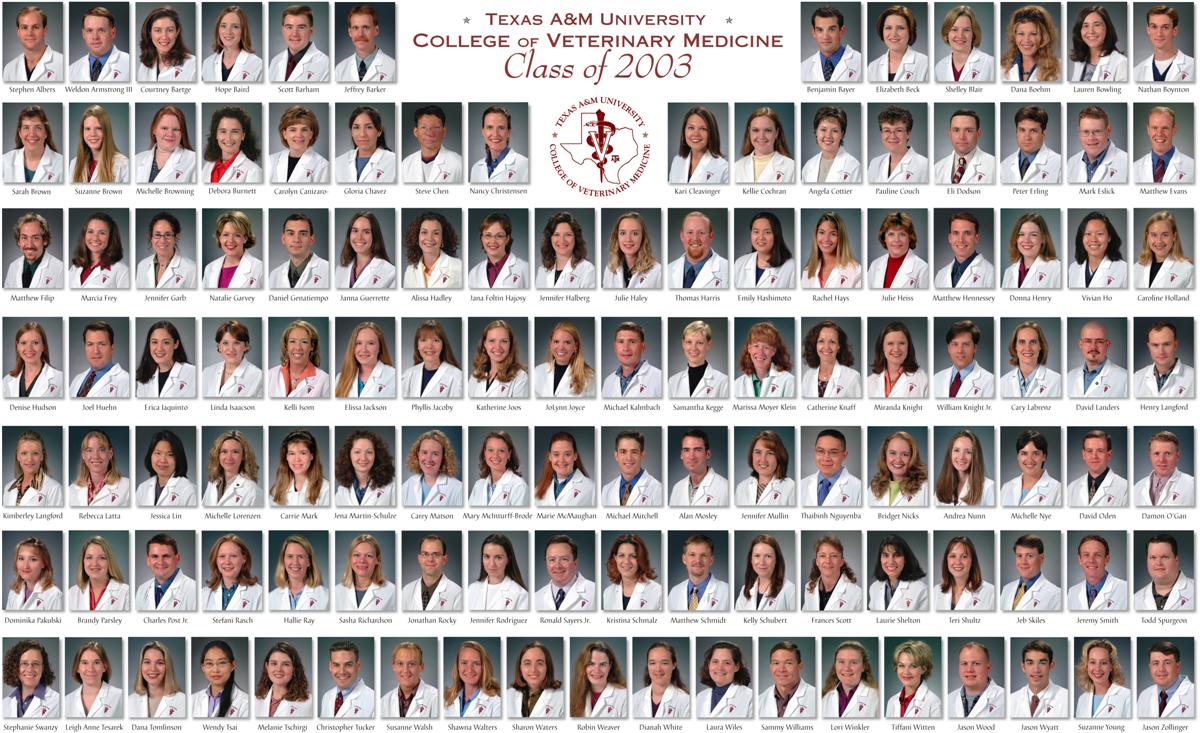
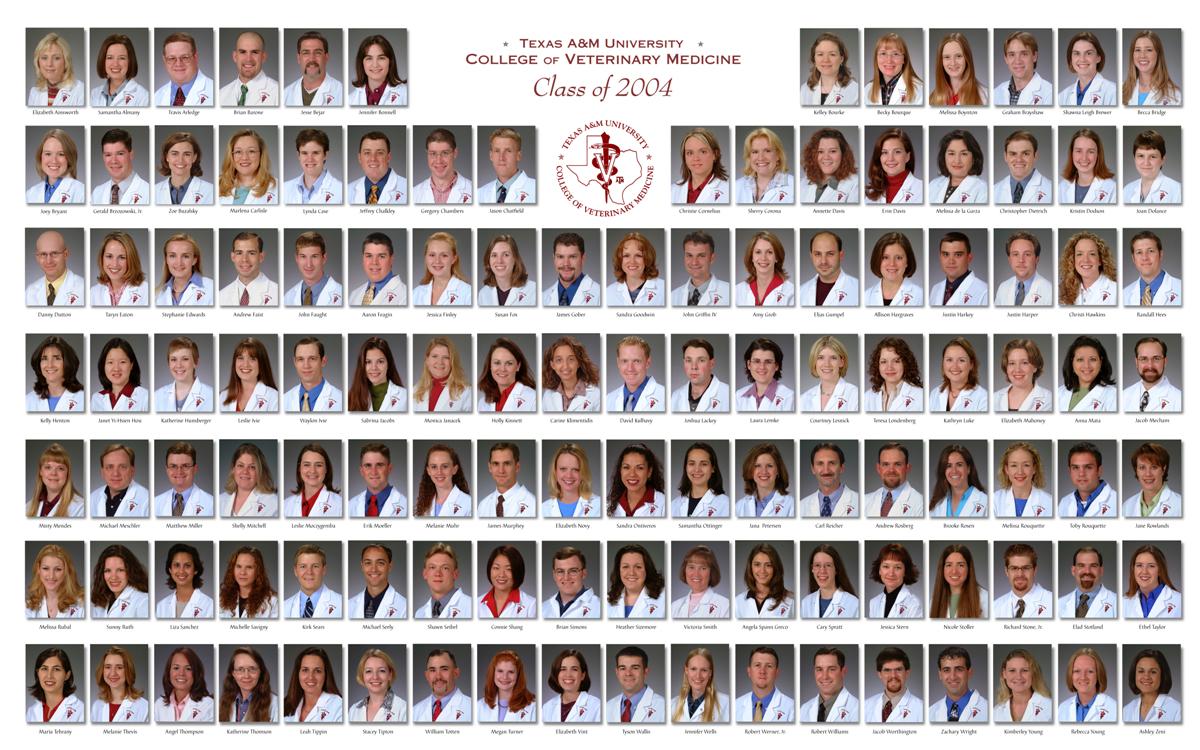
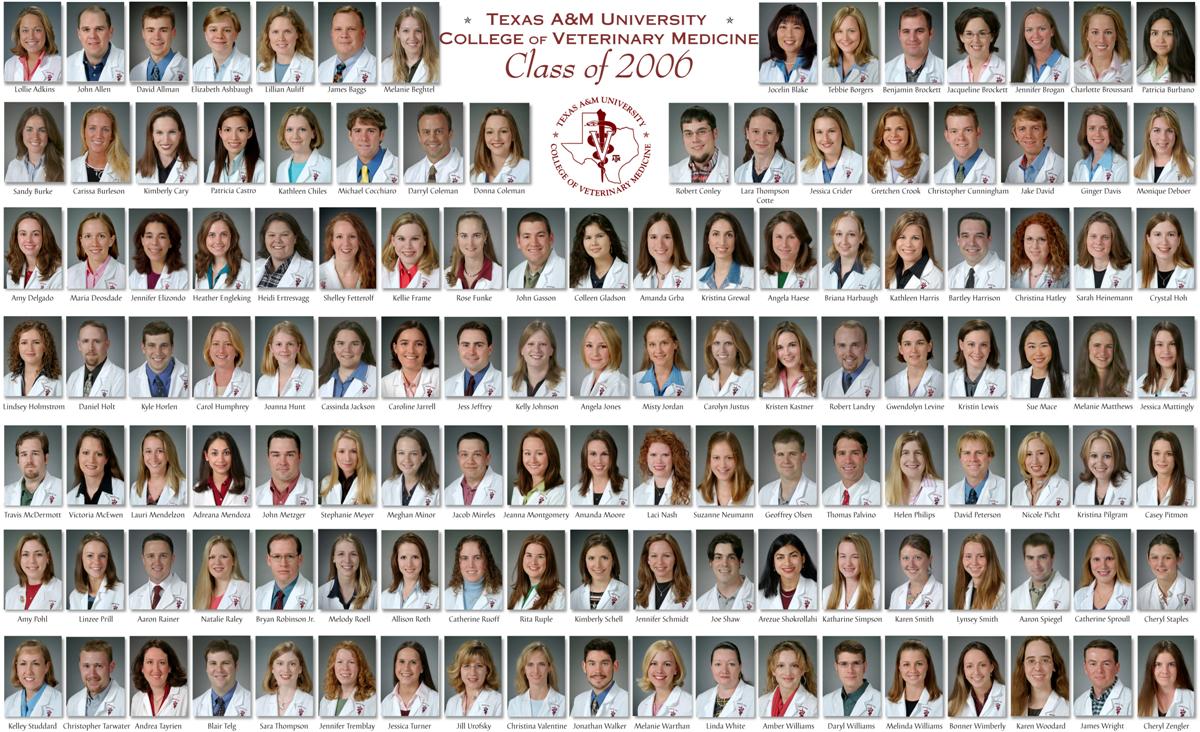
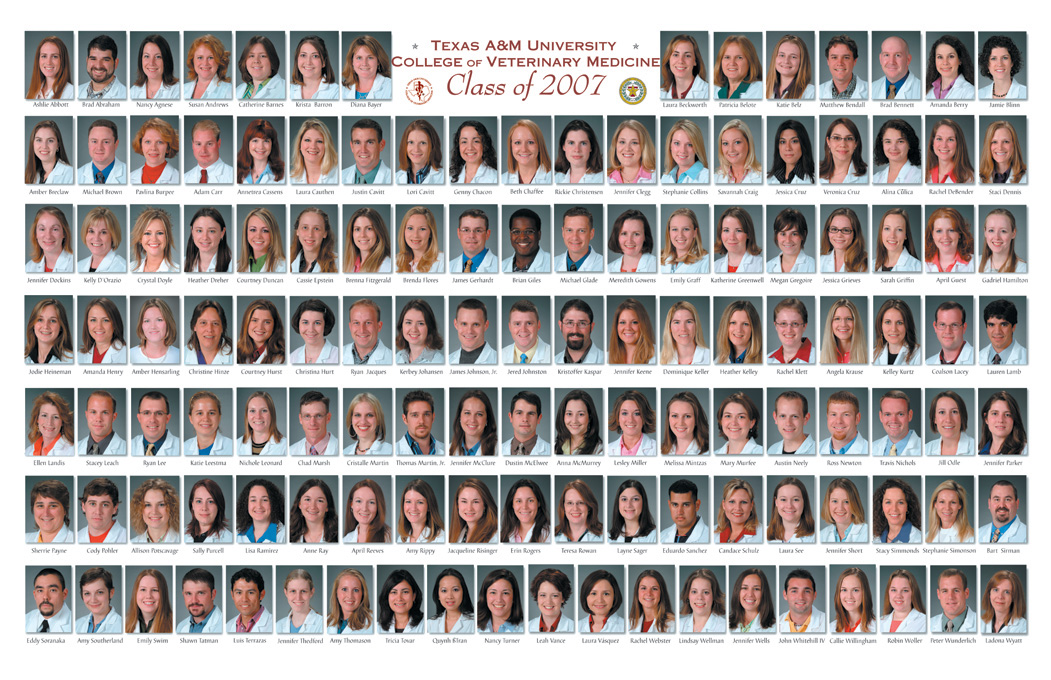
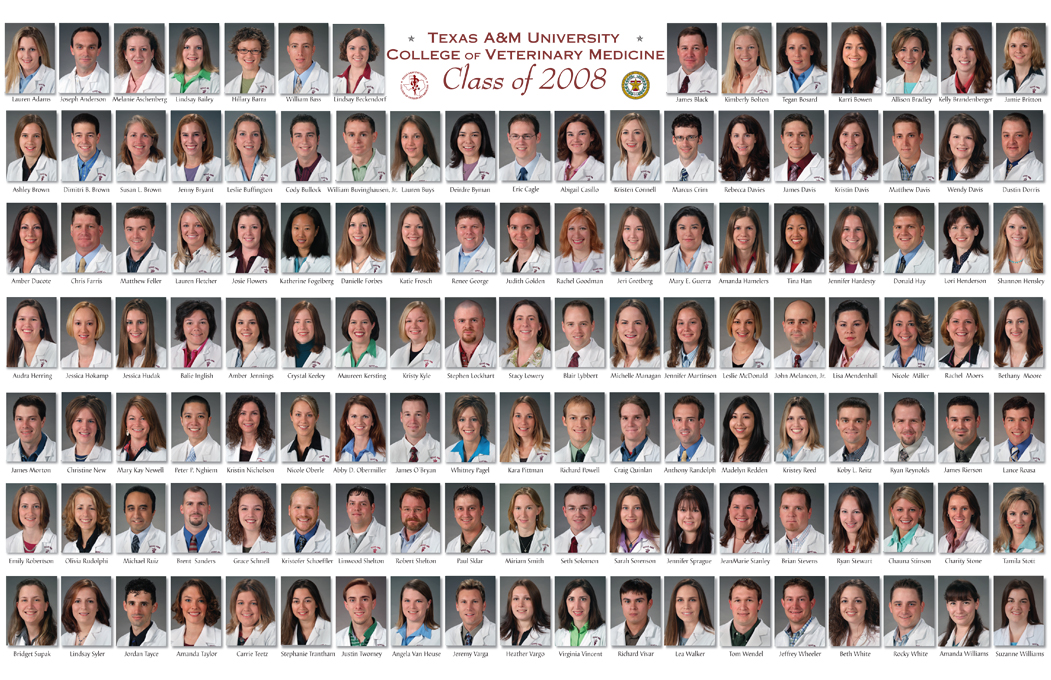
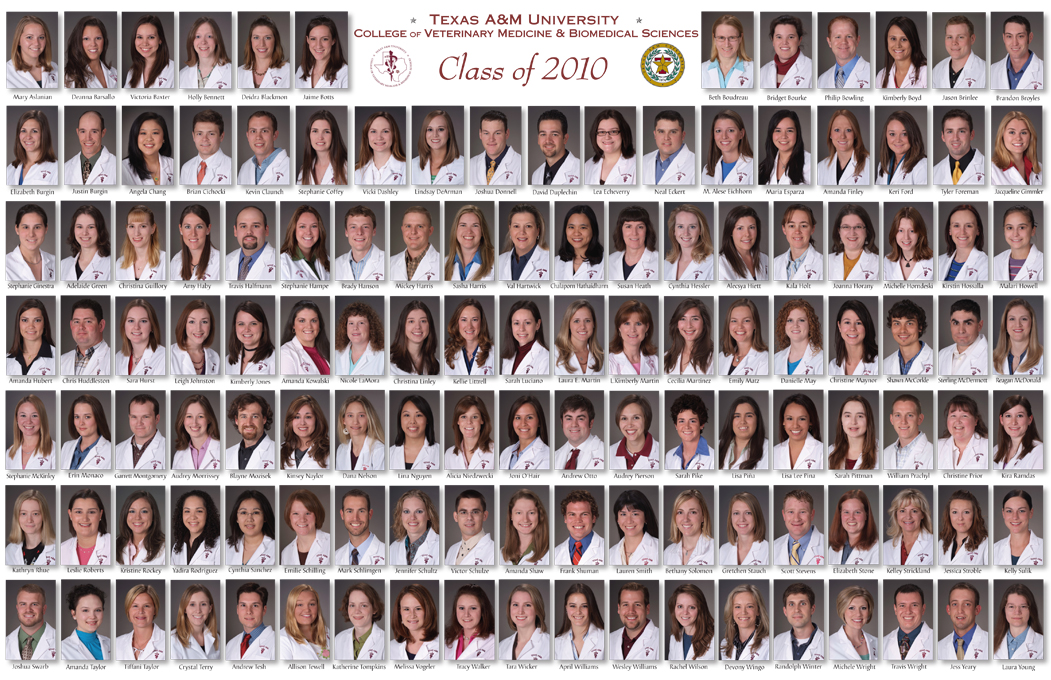
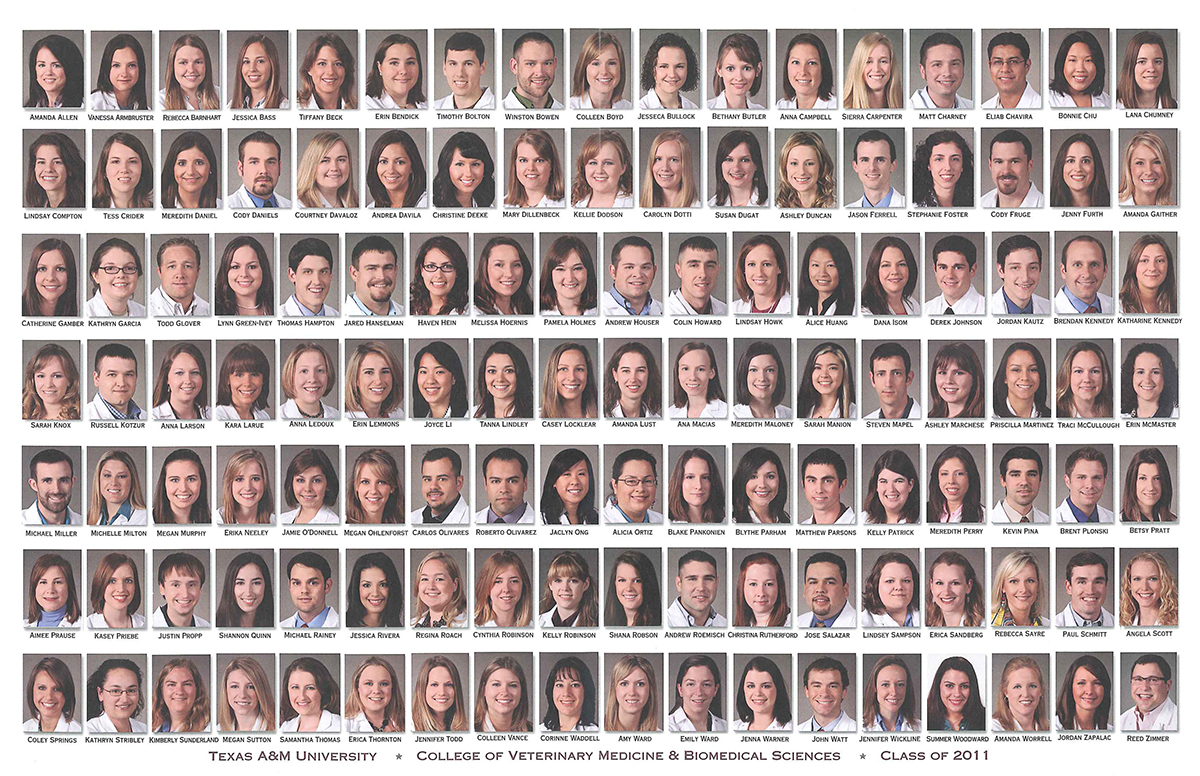
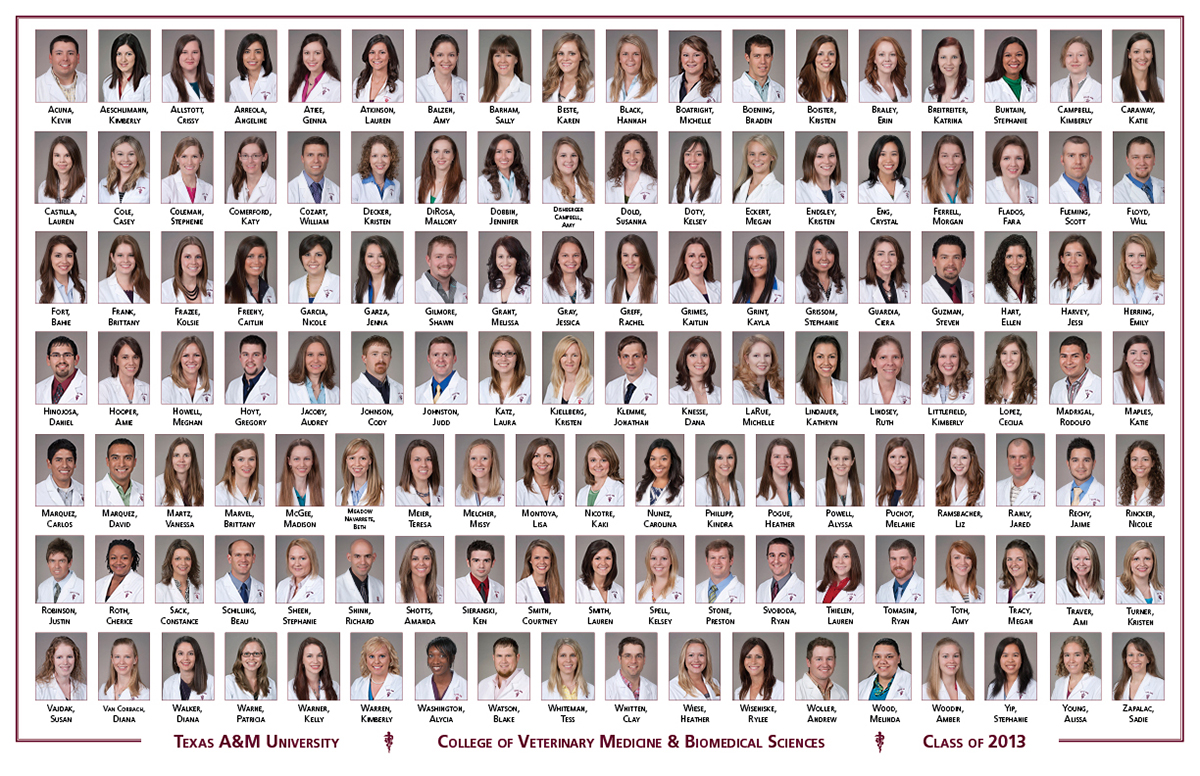
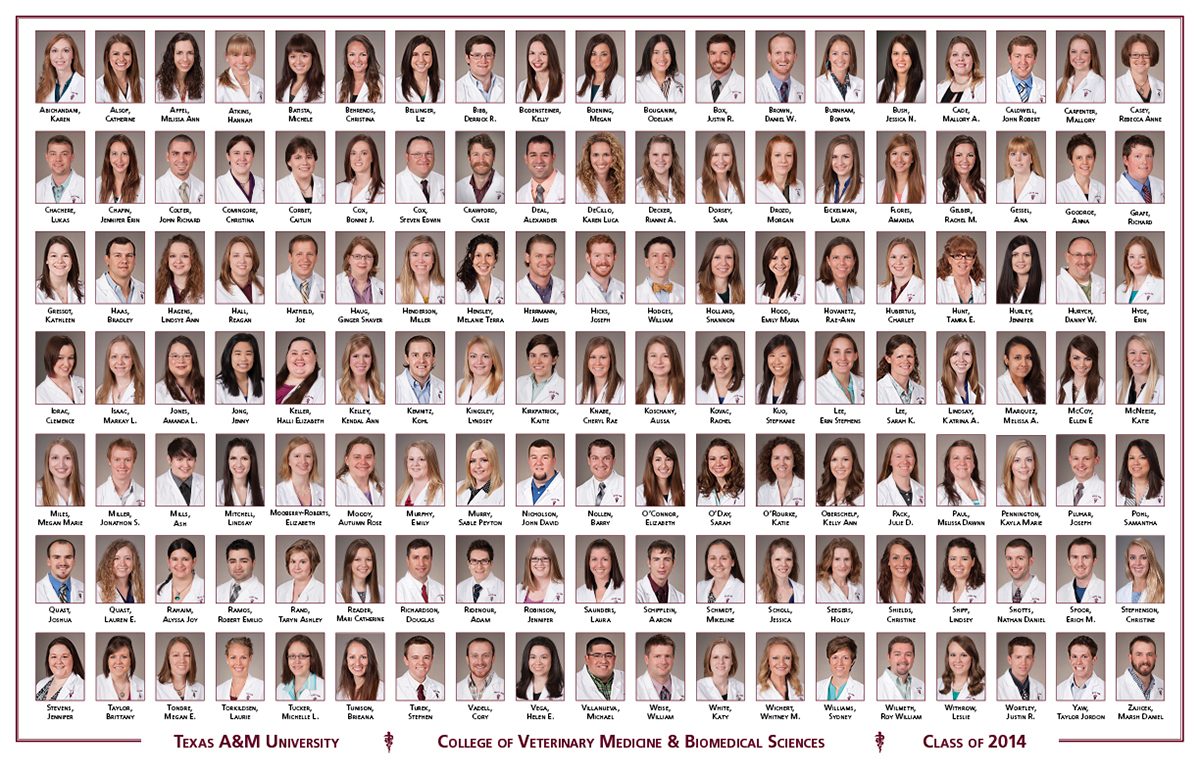
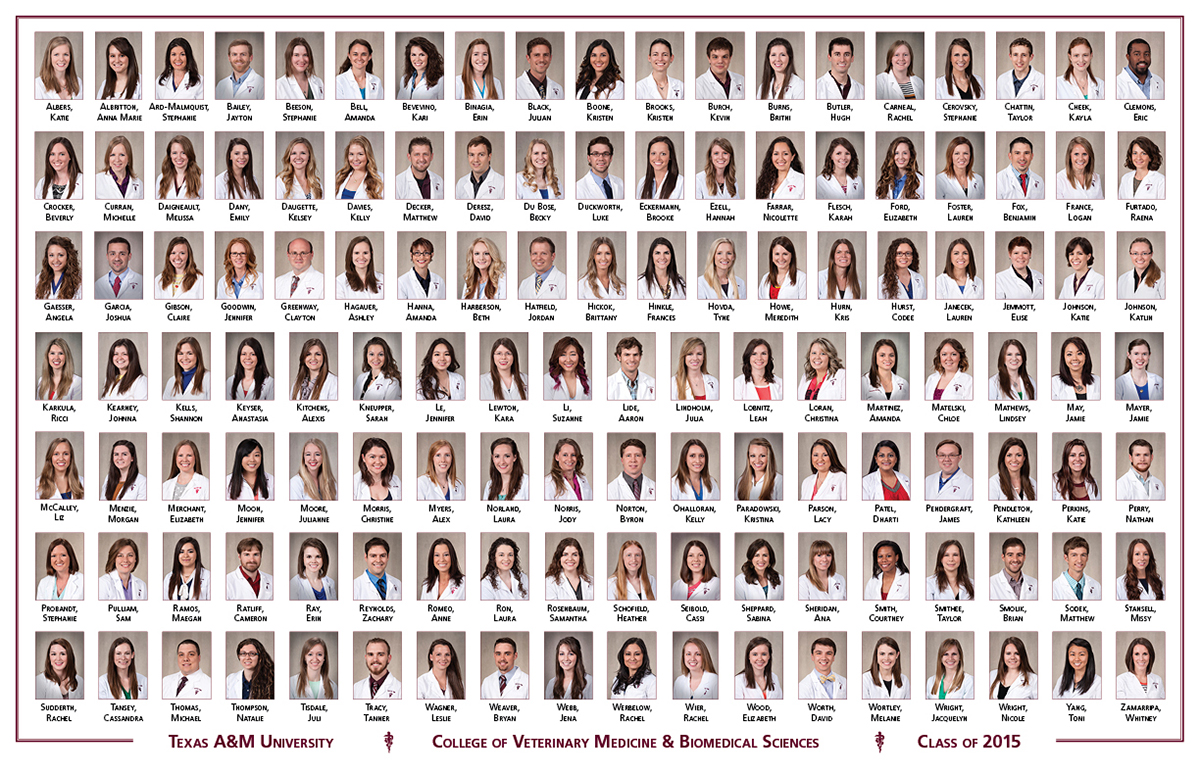
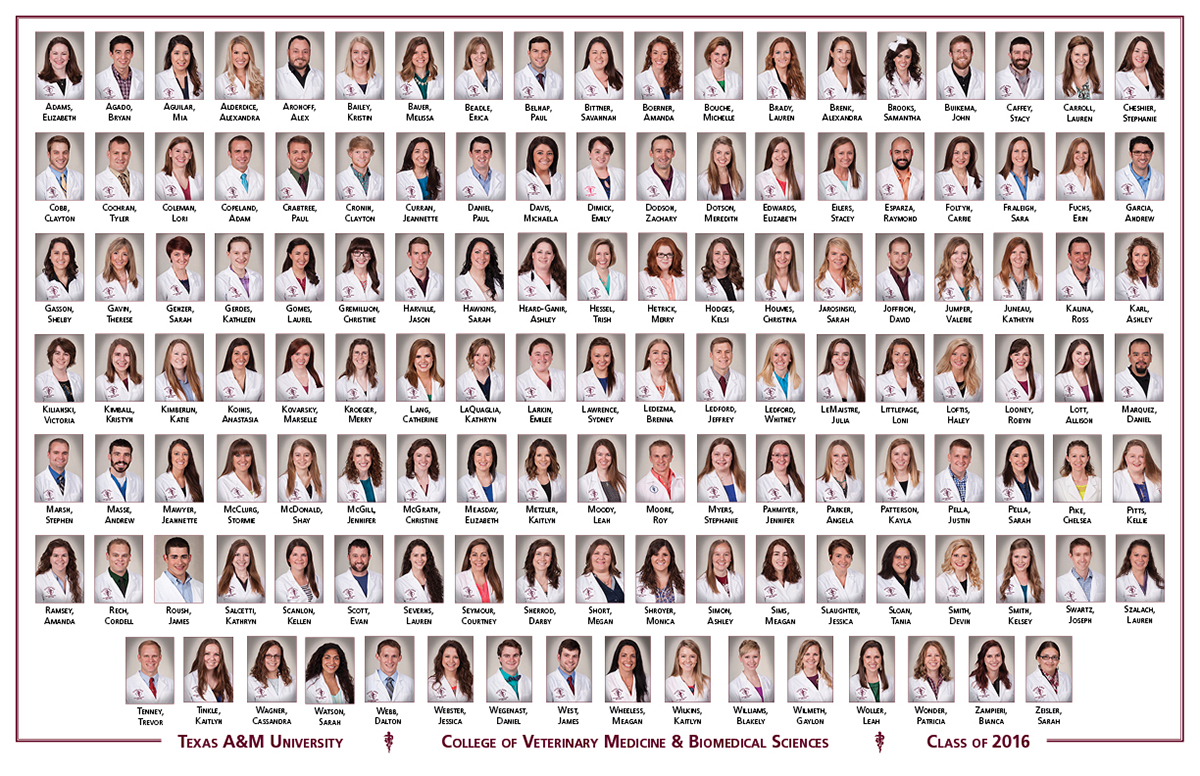
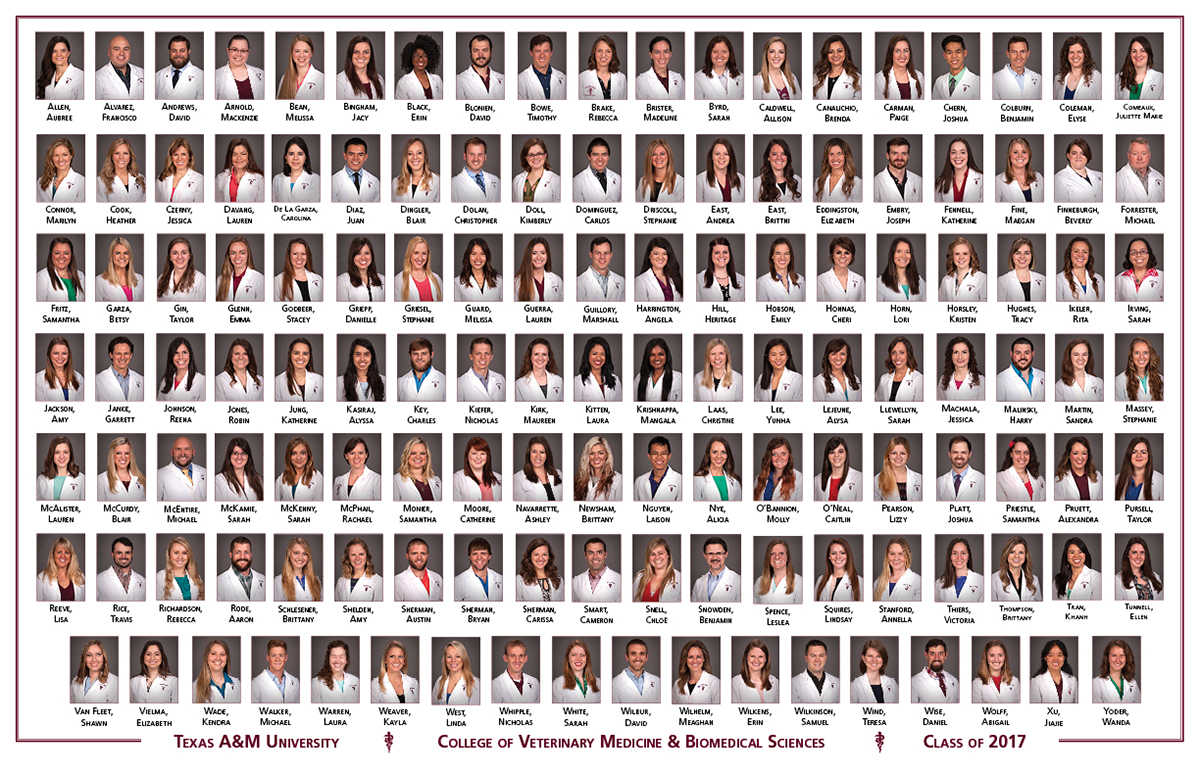
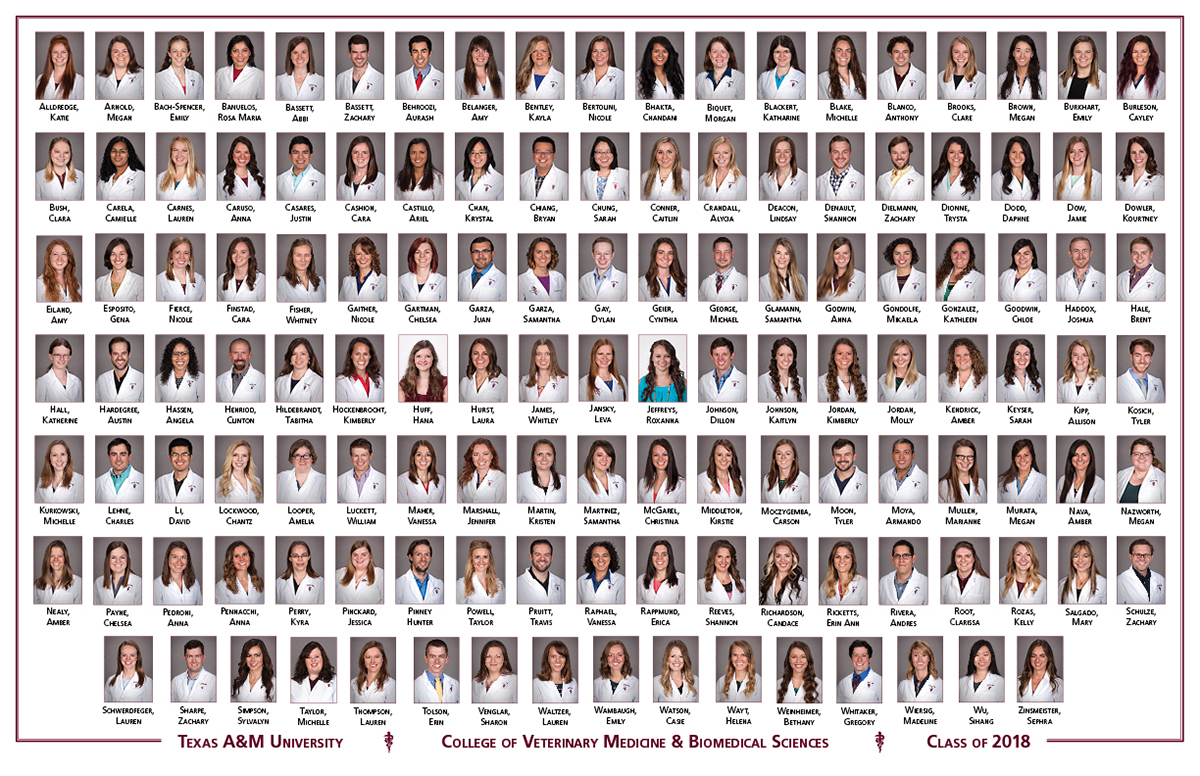
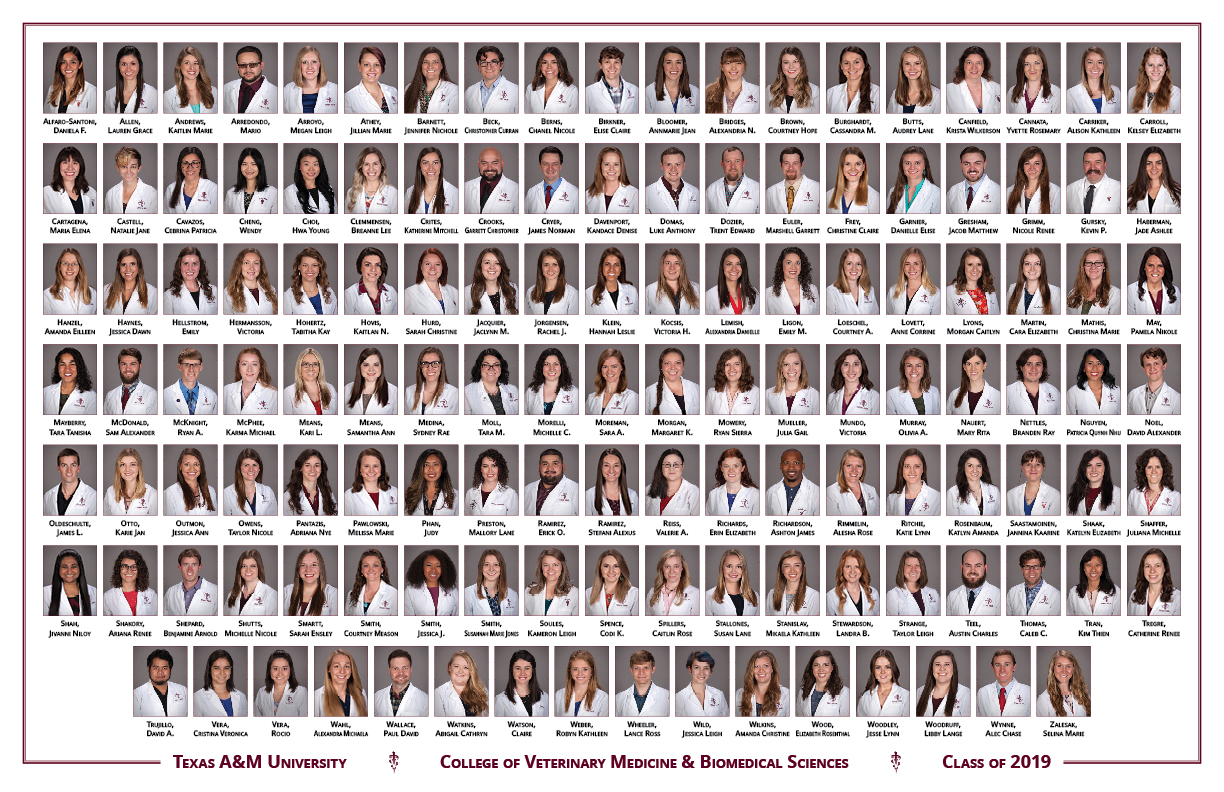
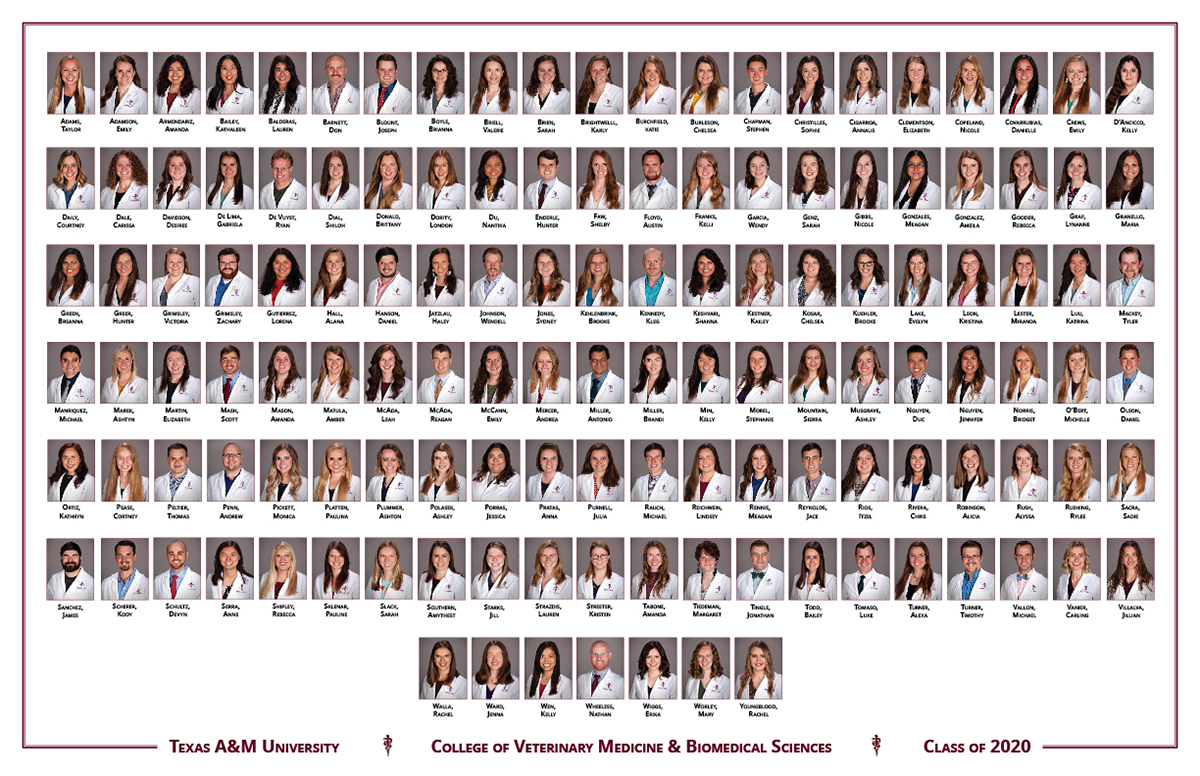
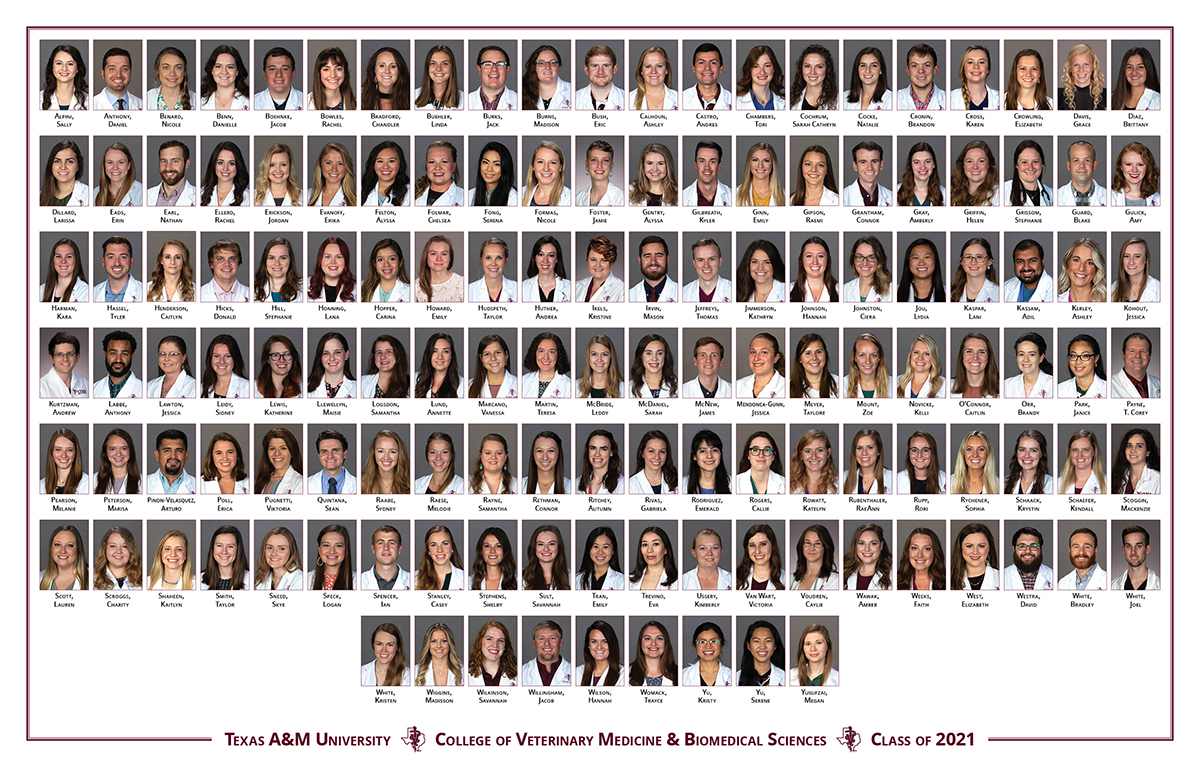
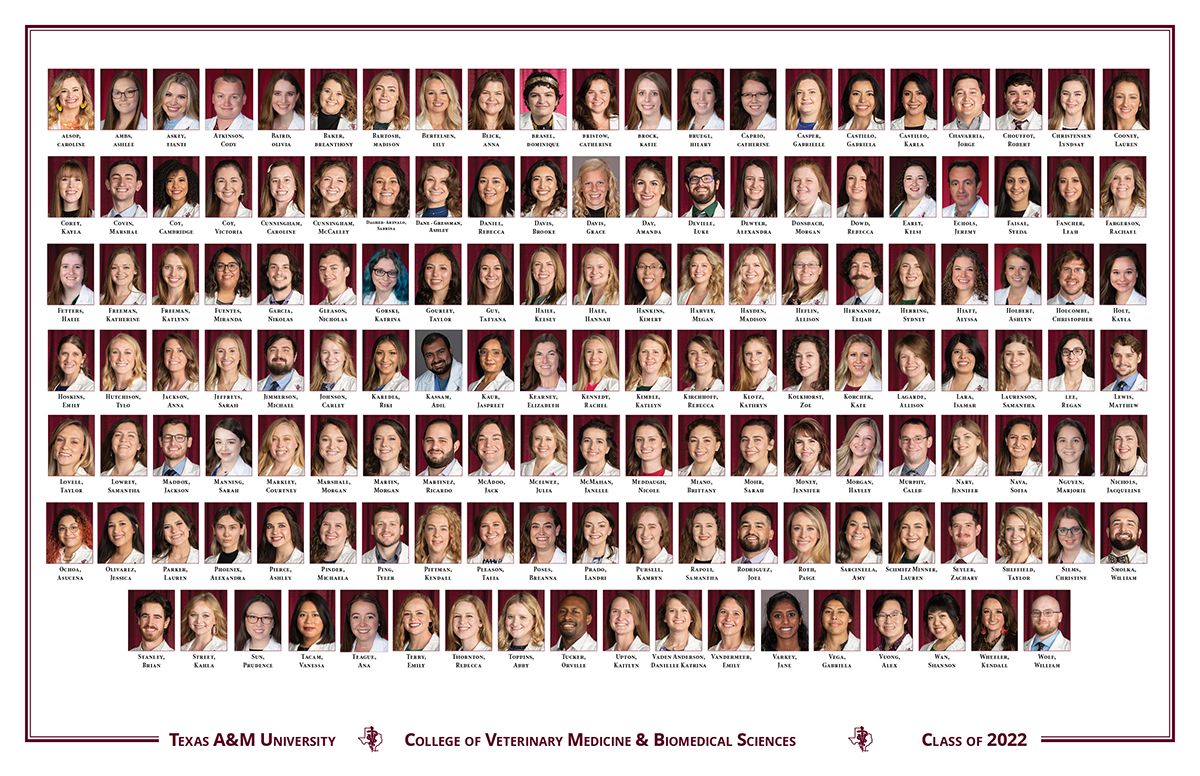
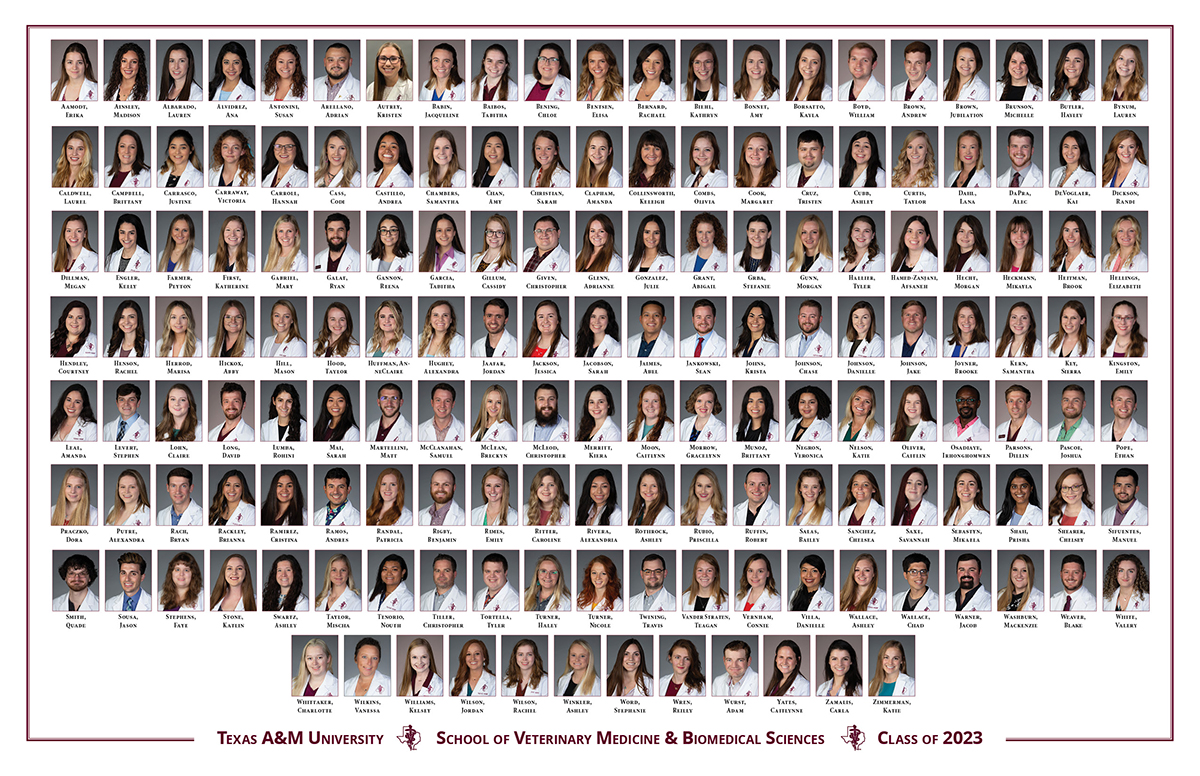
Click on a class year to see the image. Use the back button on your browser to return to this list.
For information about alumni gatherings, contact the Alumni Relations & College Events Program Manager, Stephanie Hollis.
For information about class photos, contact VMBS Communications.

-
Admissions & Academics
-
Departments
-
About
-
Global Scope
-
Resources
-
Donors | Alumni | Clients
-
Employment